How can we help?
Search our help center — most answers are one search away.
Getting started
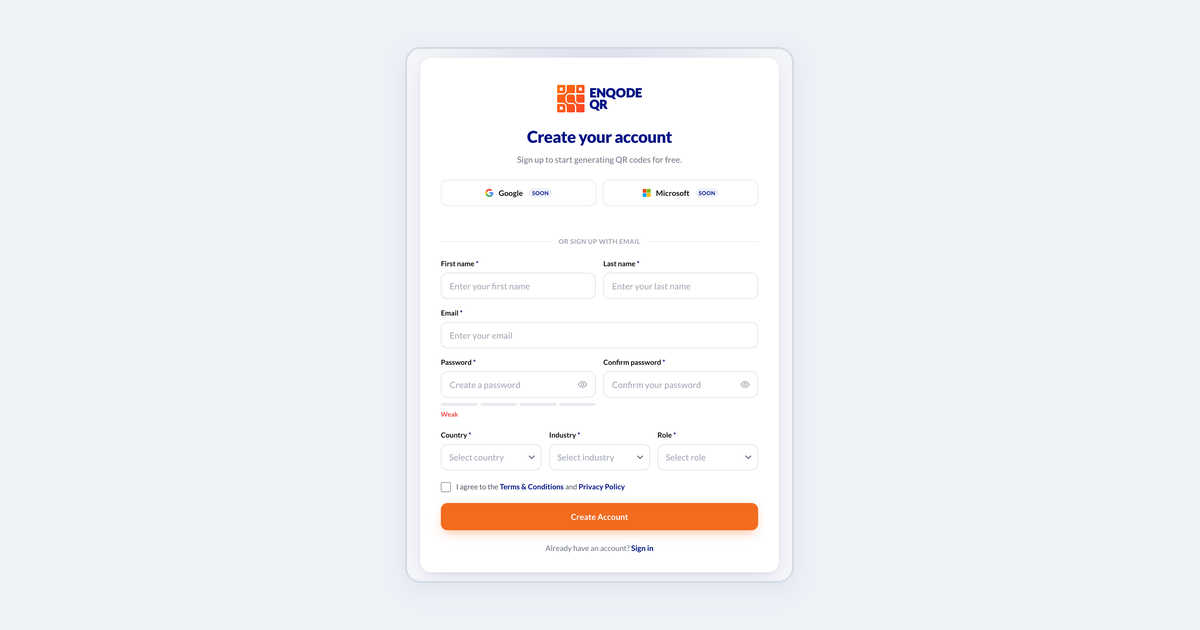
Creating your Enqode QR account
Sign up with your email, confirm it with a 6-digit code, and sign in.
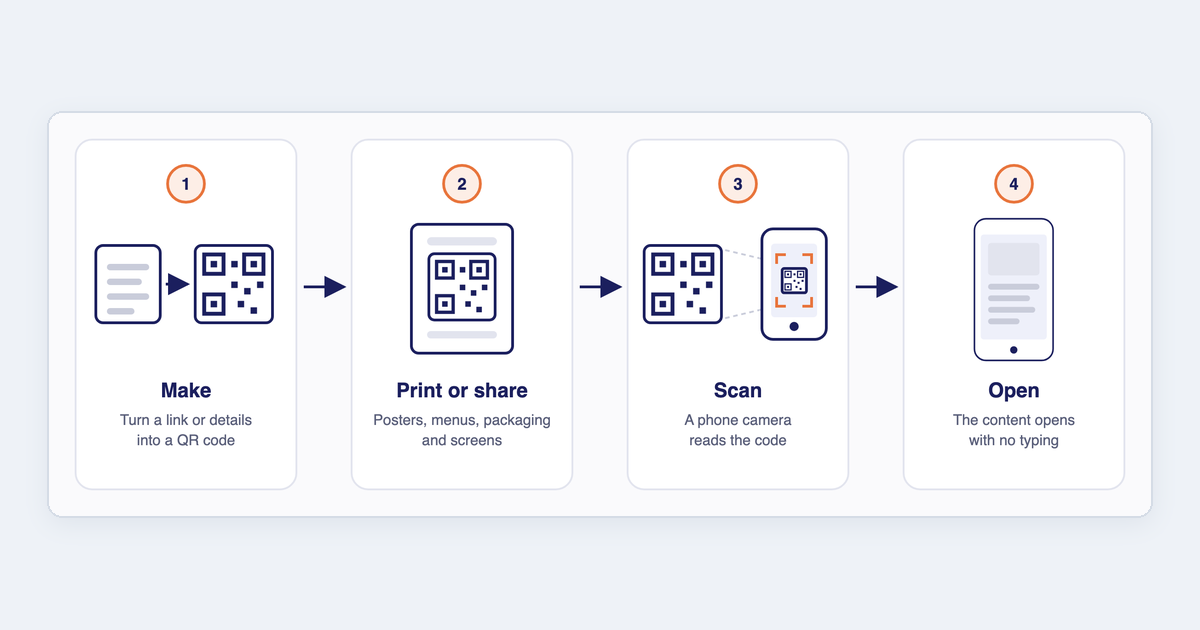
FAQ: General questions
What a QR code generator is, how it works, what QR stands for and why QR codes are so widely used.
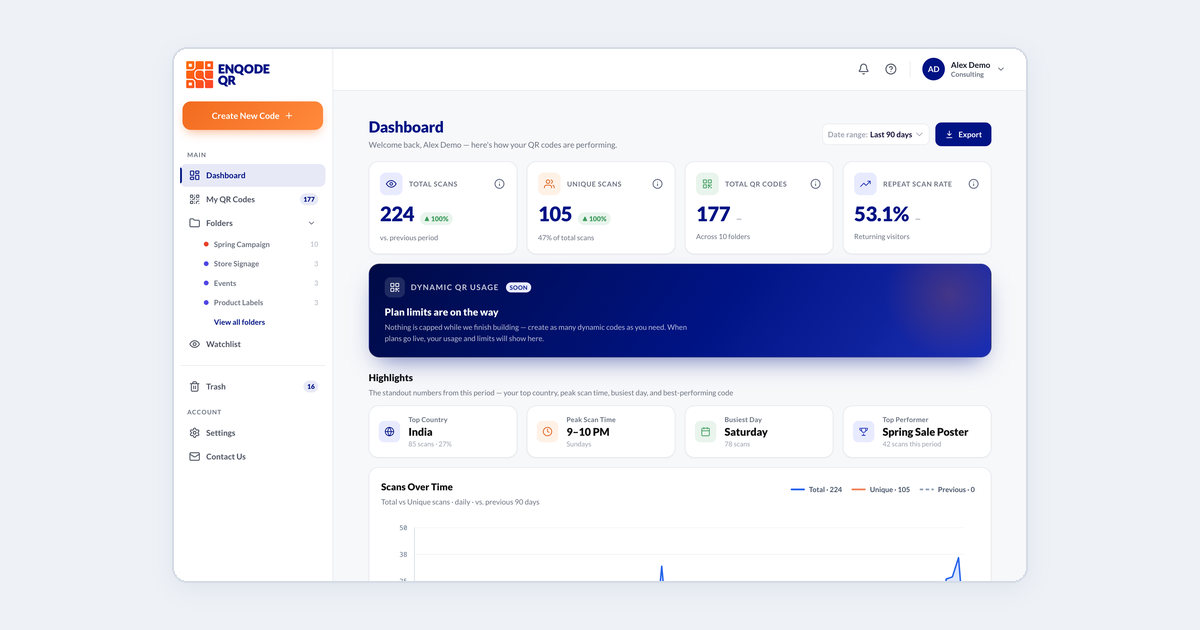
Finding your way around the dashboard
A quick tour of the sidebar and the Dashboard page, so you know where everything lives.
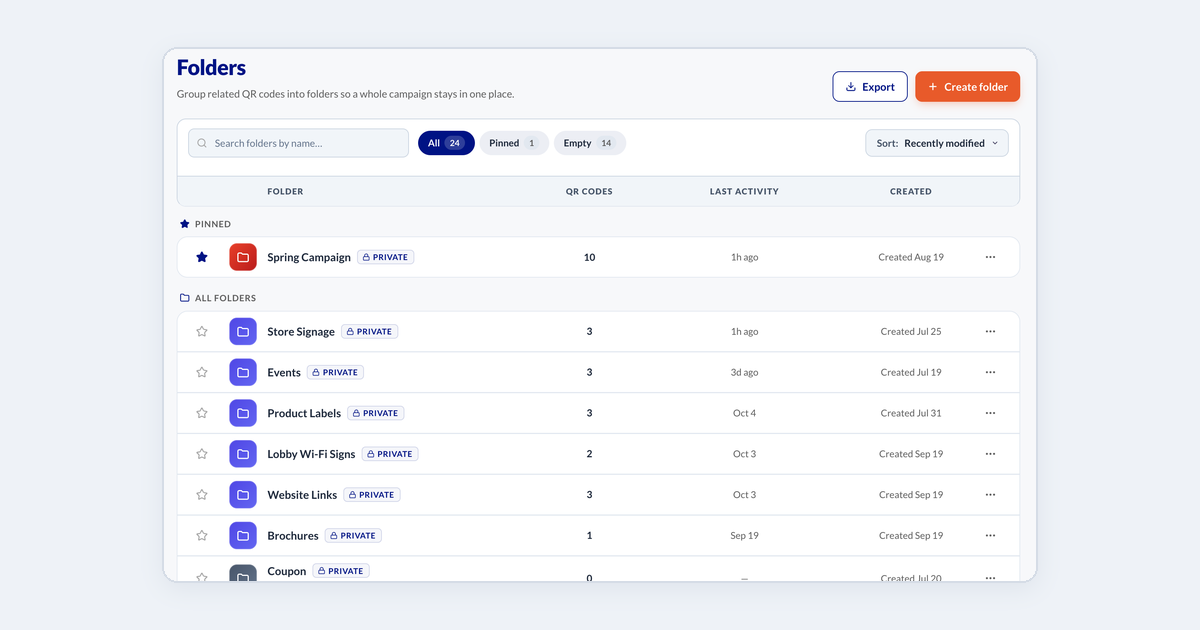
Organising QR codes into folders
Group codes by campaign, client or location, and move codes between folders.
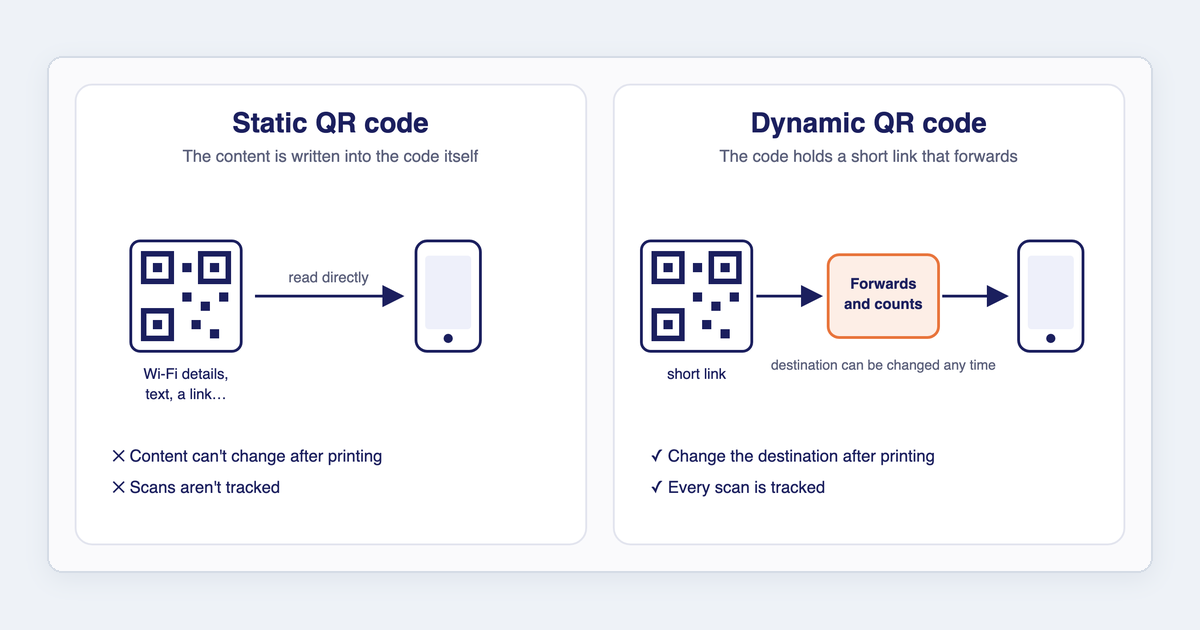
Static or dynamic: which QR code should I make?
The difference between static and dynamic QR codes, and which QR types can be which.
Creating QR codes
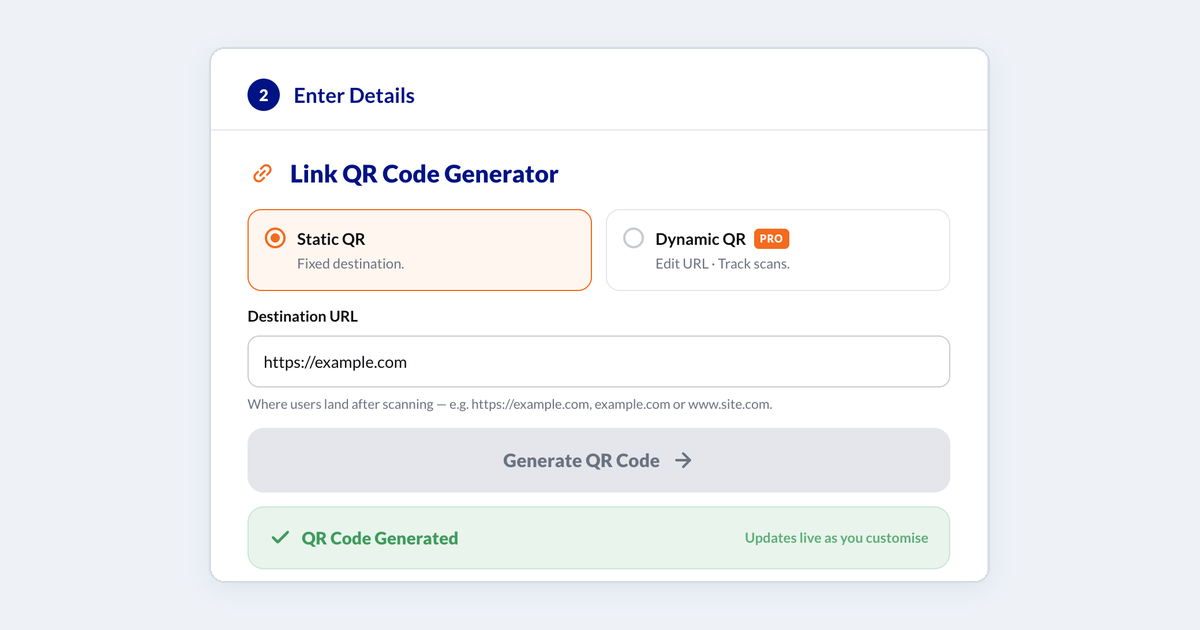
Creating a QR code
Make a QR code in three steps - choose a type, enter your details, then preview and download.
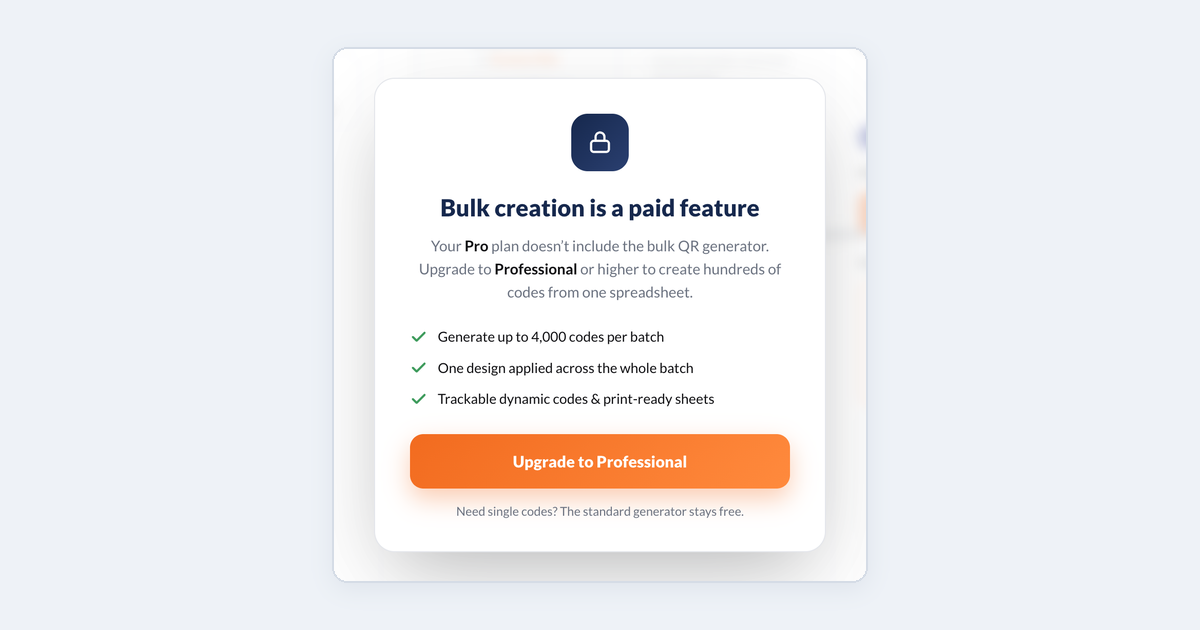
Creating QR codes in bulk from a CSV
Upload a spreadsheet, style the batch once, and download every code together.
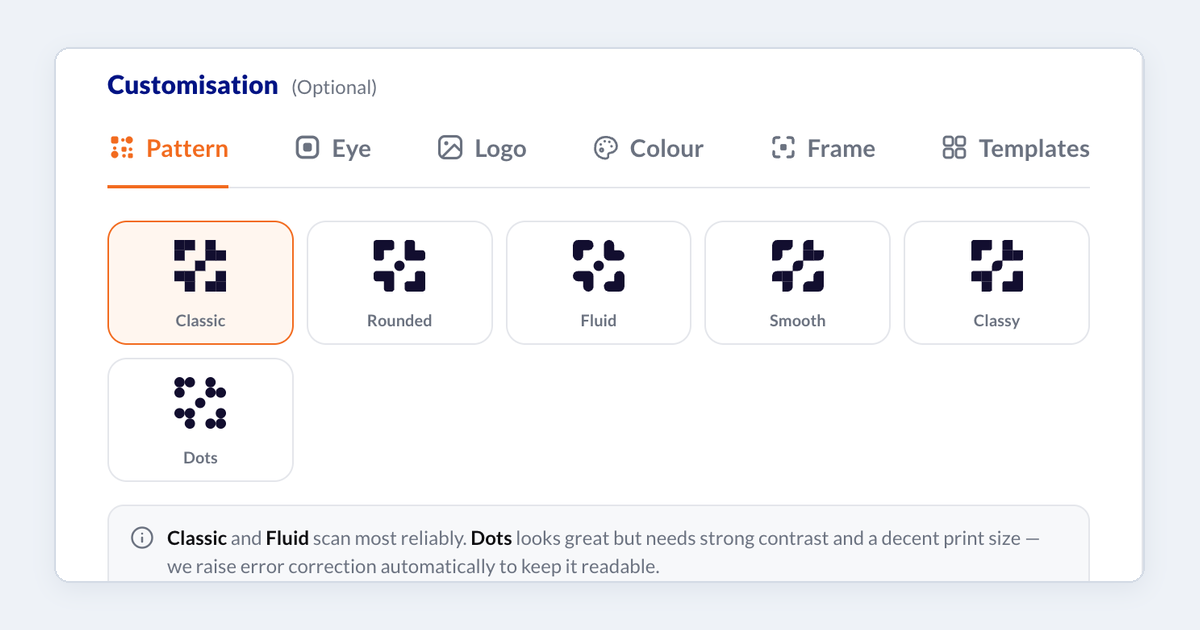
Customising your QR code's design
Change the pattern, corner eyes, colours and frame, add your logo, and save a design to reuse.
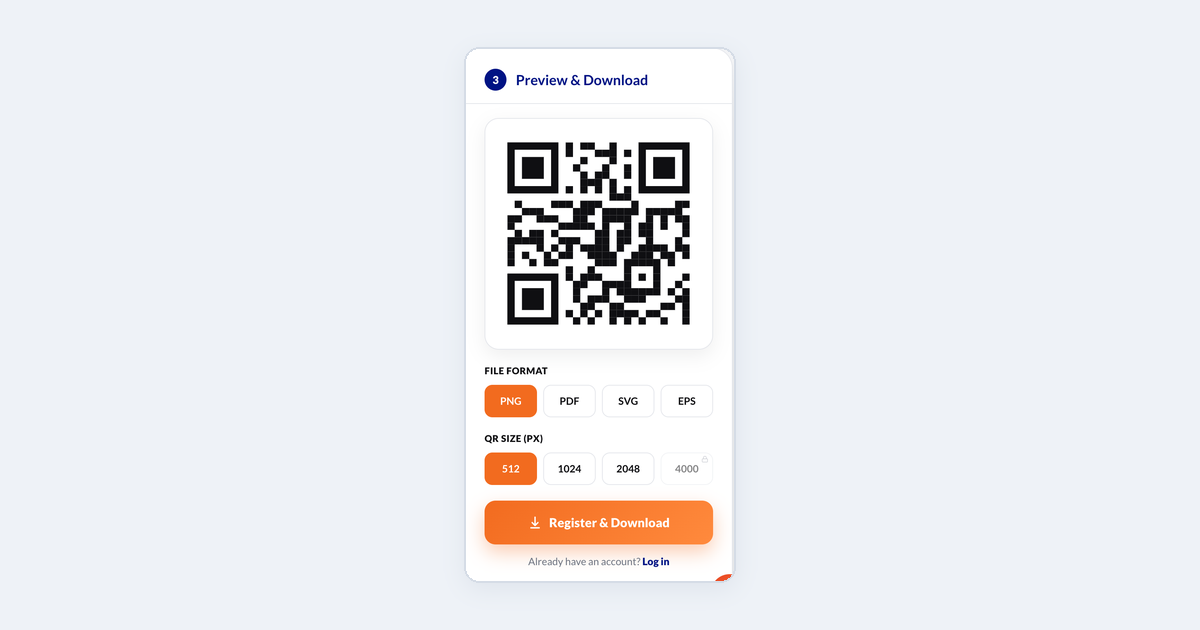
Downloading your QR code: formats and sizes
Which file format and size to pick, and how to download a code again later.
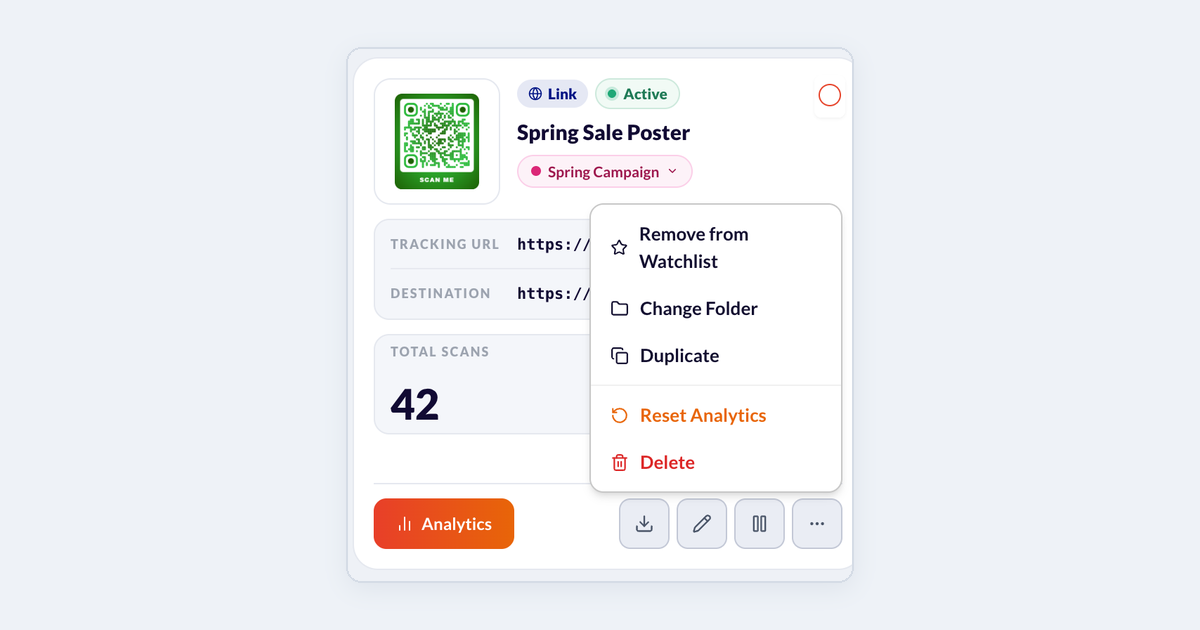
Duplicating, deleting and restoring QR codes
Copy a code to start a new one, delete codes you no longer need, and restore them from Trash.
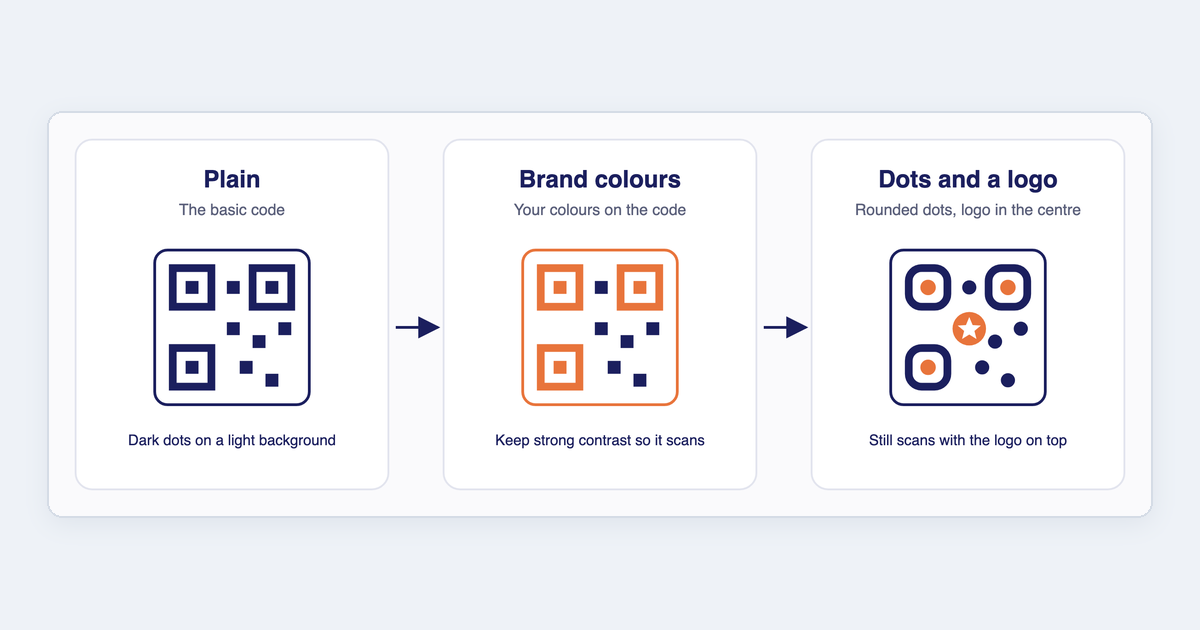
FAQ: Branding and design
Customising your QR code's design, editing it after creating it, and removing Enqode QR branding.
Dynamic QR codes
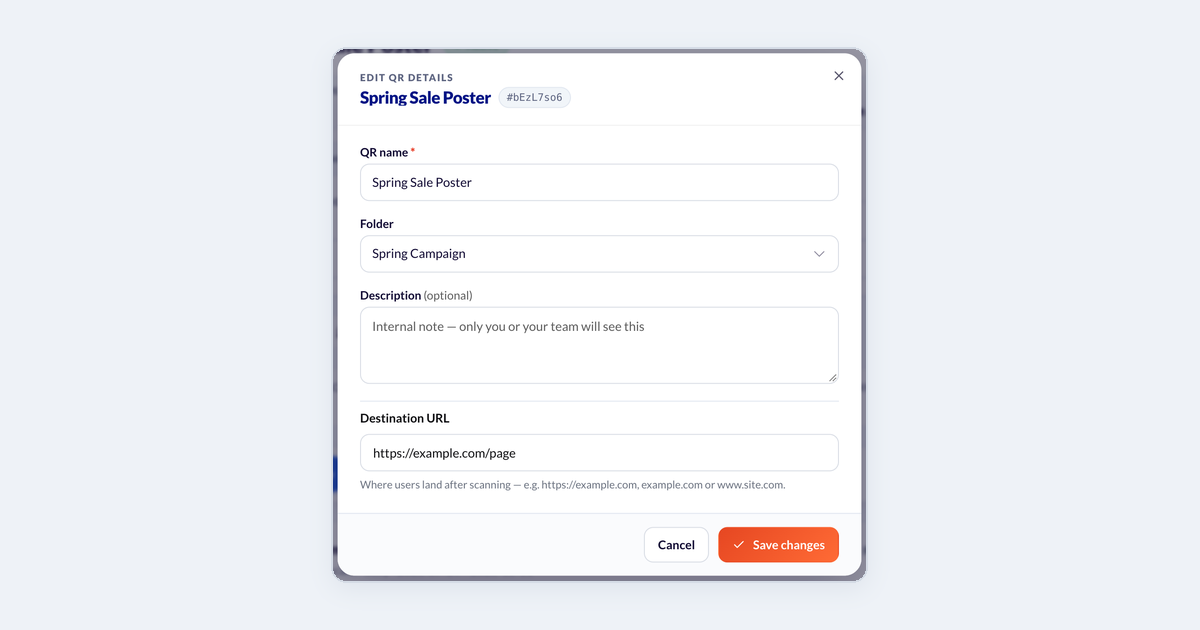
Editing a dynamic QR code
Change where a dynamic QR code points, or what its page shows, without reprinting it.
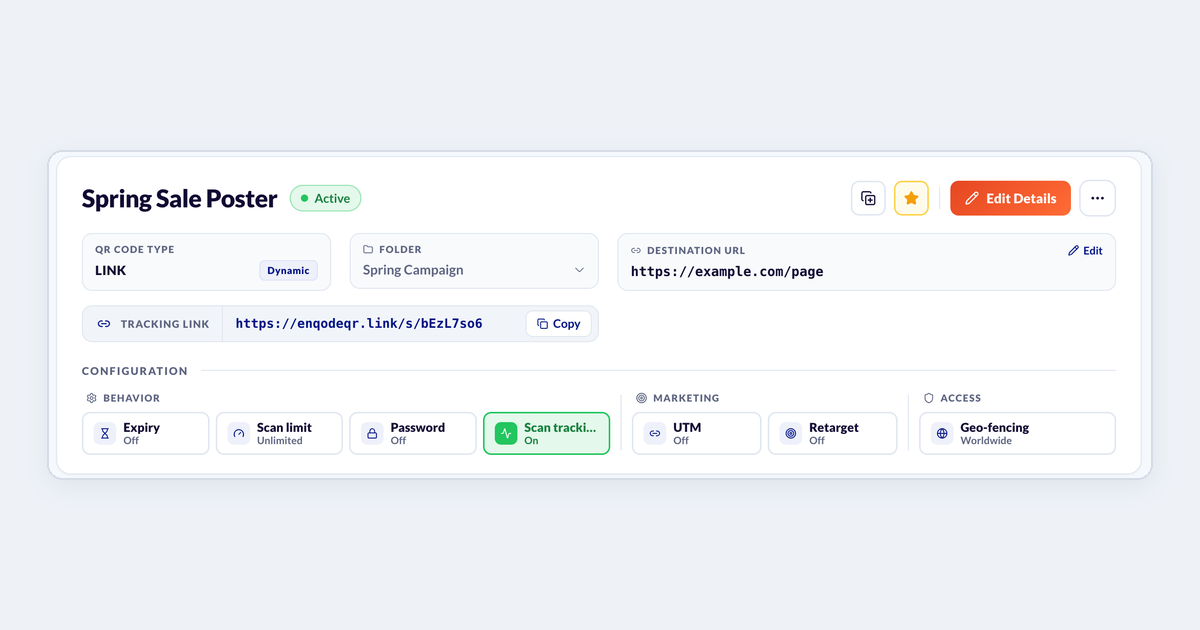
Adding a password, expiry date or scan limit
Control who can open a dynamic code, until when, and how many times.
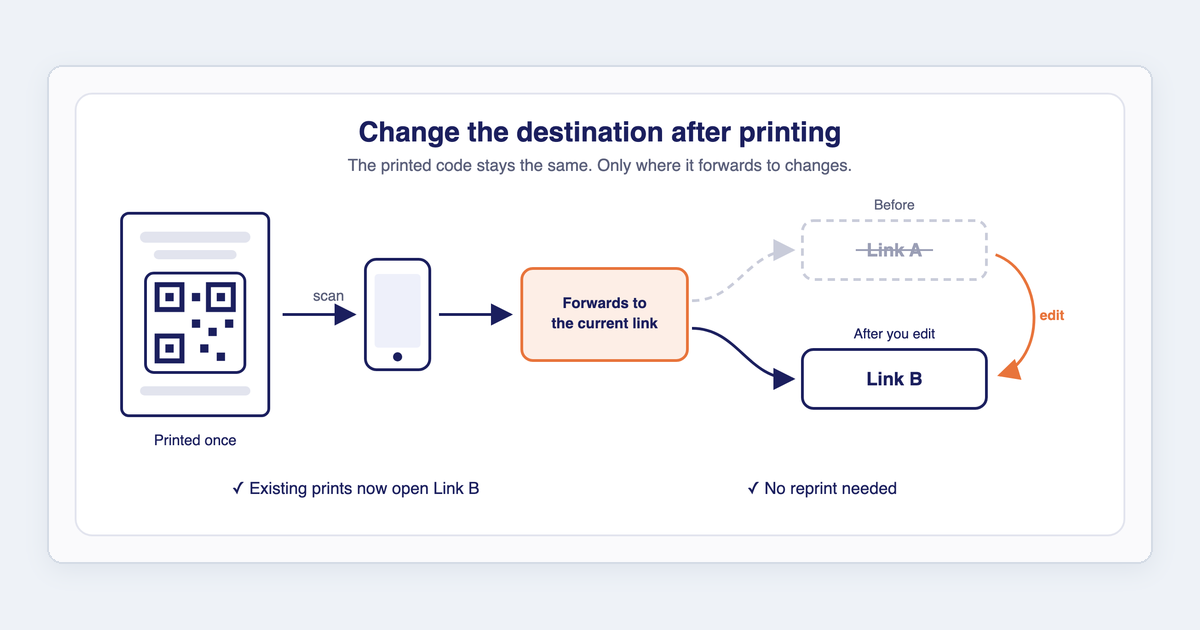
FAQ: Dynamic QR codes
What a dynamic QR code is, whether you can edit it after printing, and how scan tracking works.
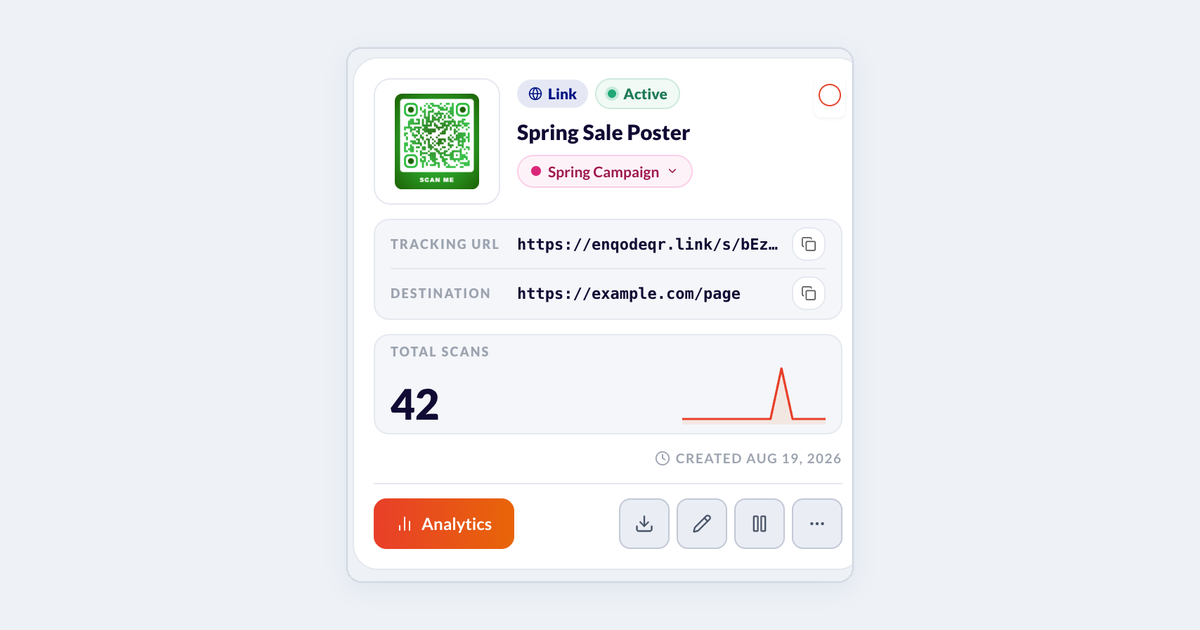
Pausing and resuming a QR code
Stop a dynamic code from opening its destination for a while, then switch it back on.
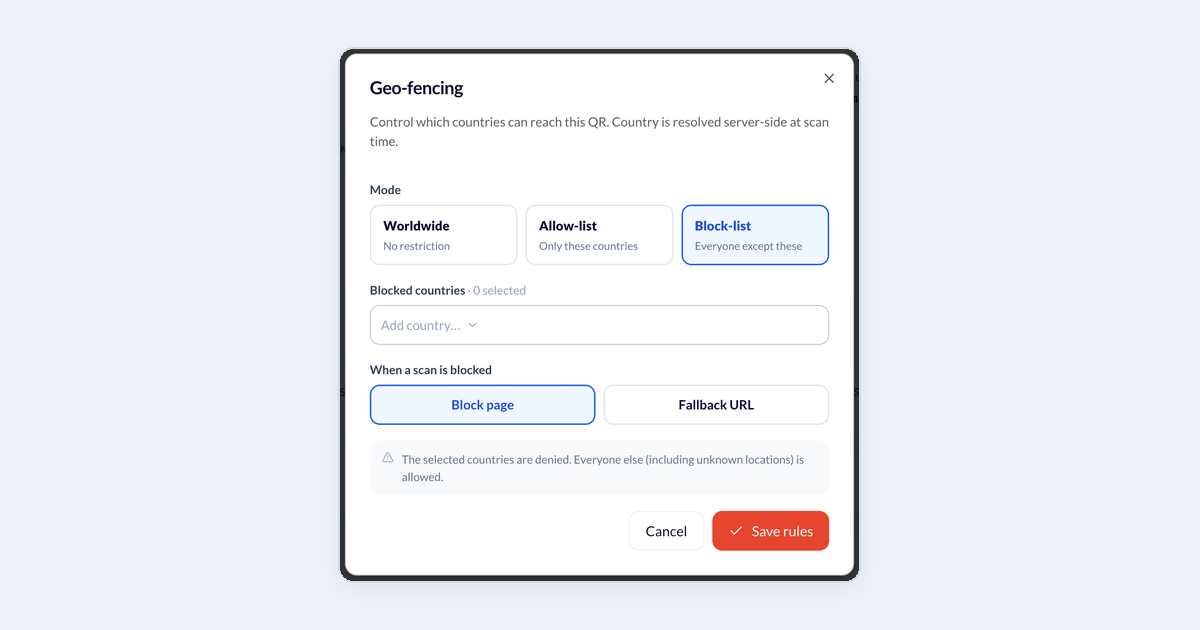
Restricting scans by country (geo-fencing)
Let only some countries open a dynamic code, or block certain countries, and choose what blocked scanners see.
Scan analytics
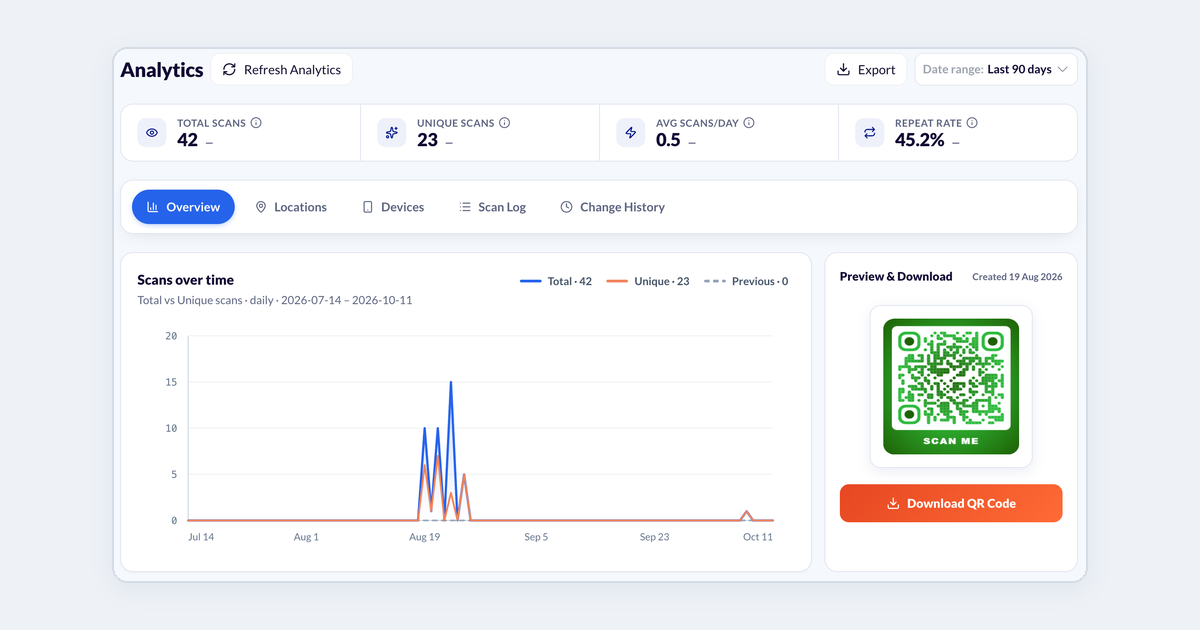
Reading your scan analytics
What each number and chart on a QR code's analytics page means, and how to change the date range.
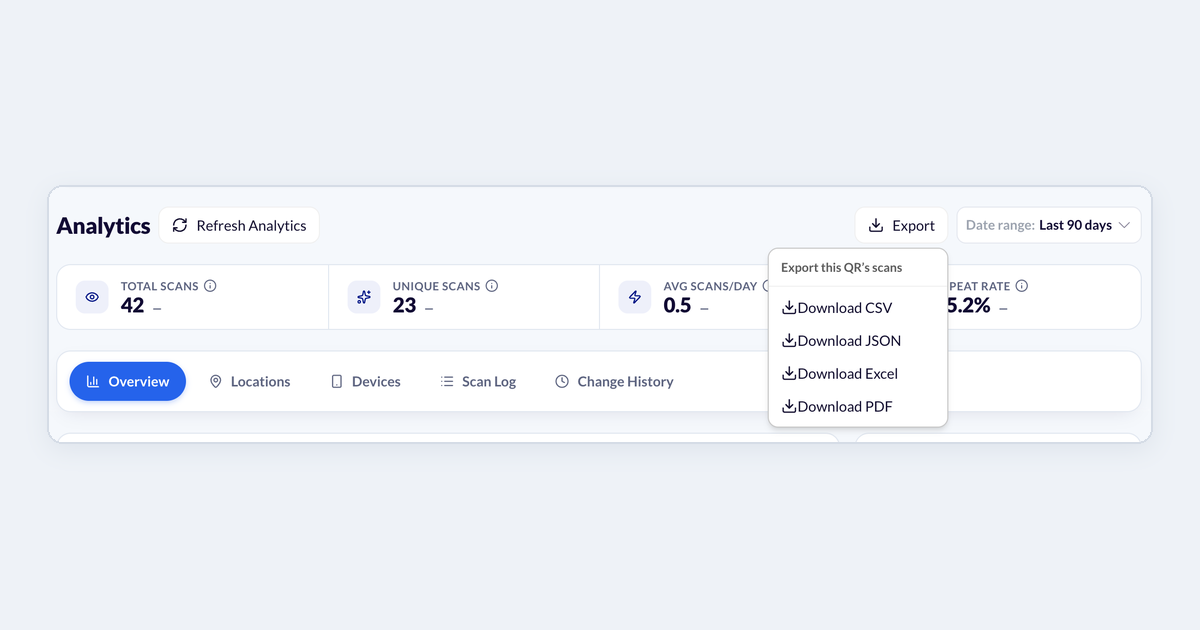
Exporting your scan data
Download scans for one code, a list of all your codes, or a summary of your whole account.
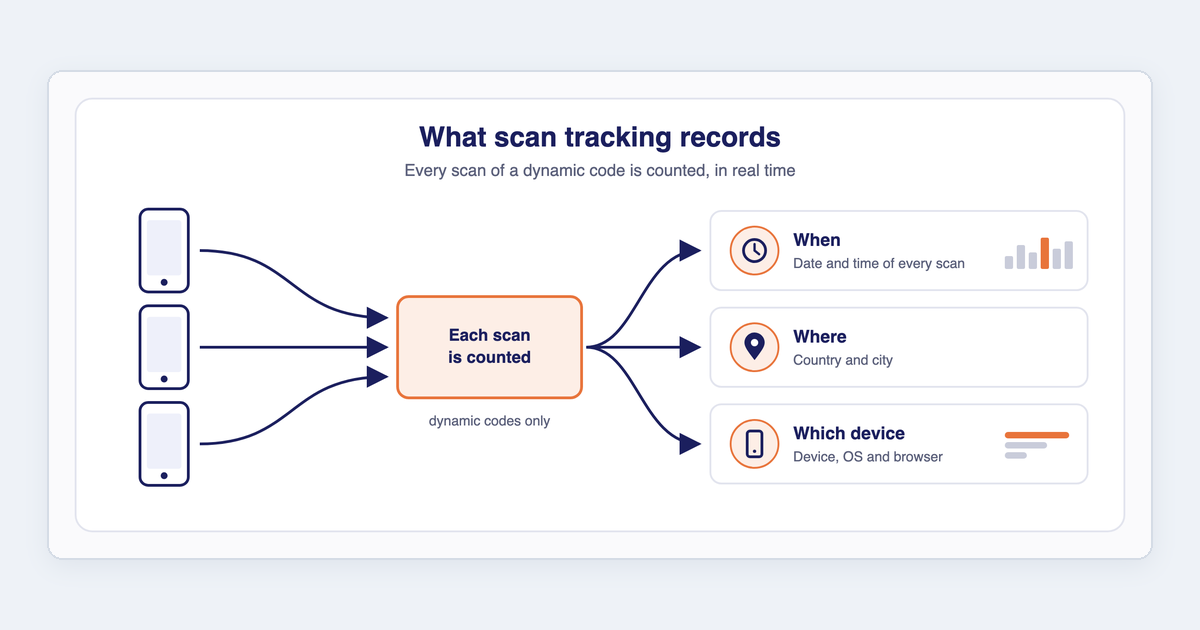
FAQ: Tracking and analytics
What Enqode QR tracks, whether scans show up in real time, and whether there are scan limits.
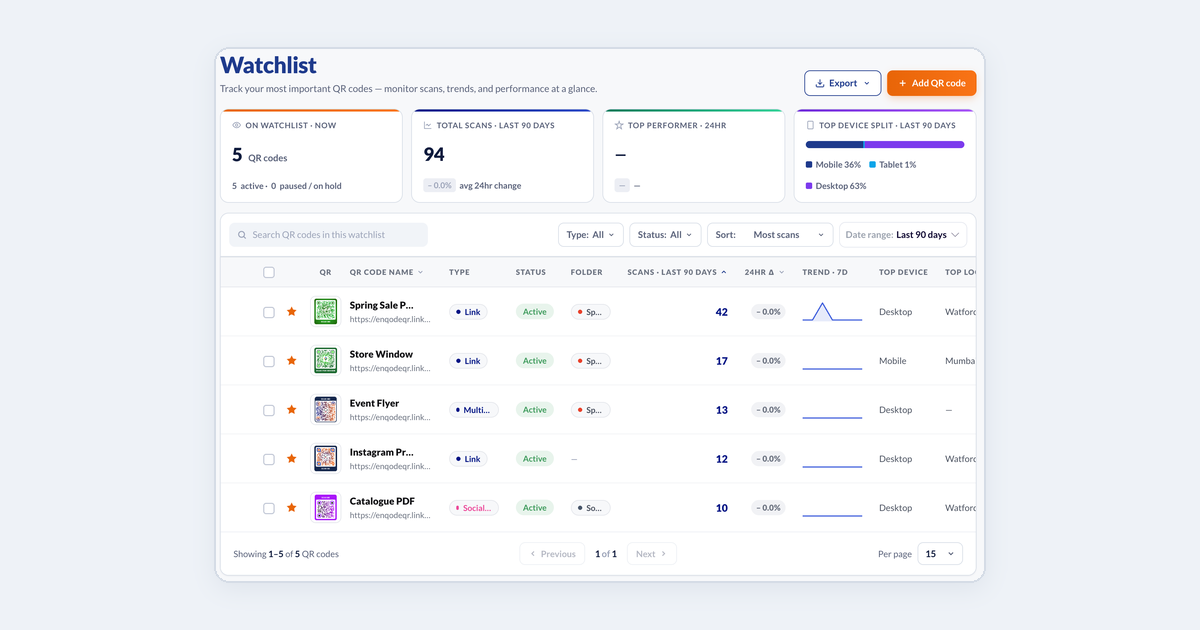
Keeping an eye on key codes with the Watchlist
Star the codes that matter most and compare their scans and trends on one page.
Account & billing
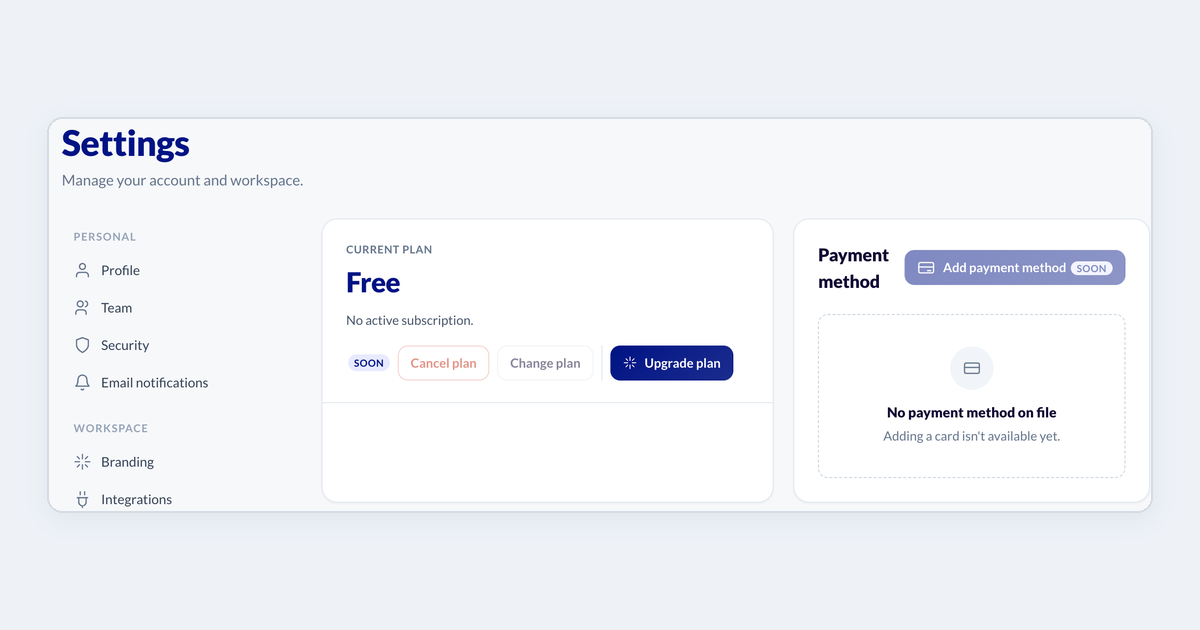
Checking your plan and upgrading
See which plan you are on, compare what each plan includes, and upgrade.
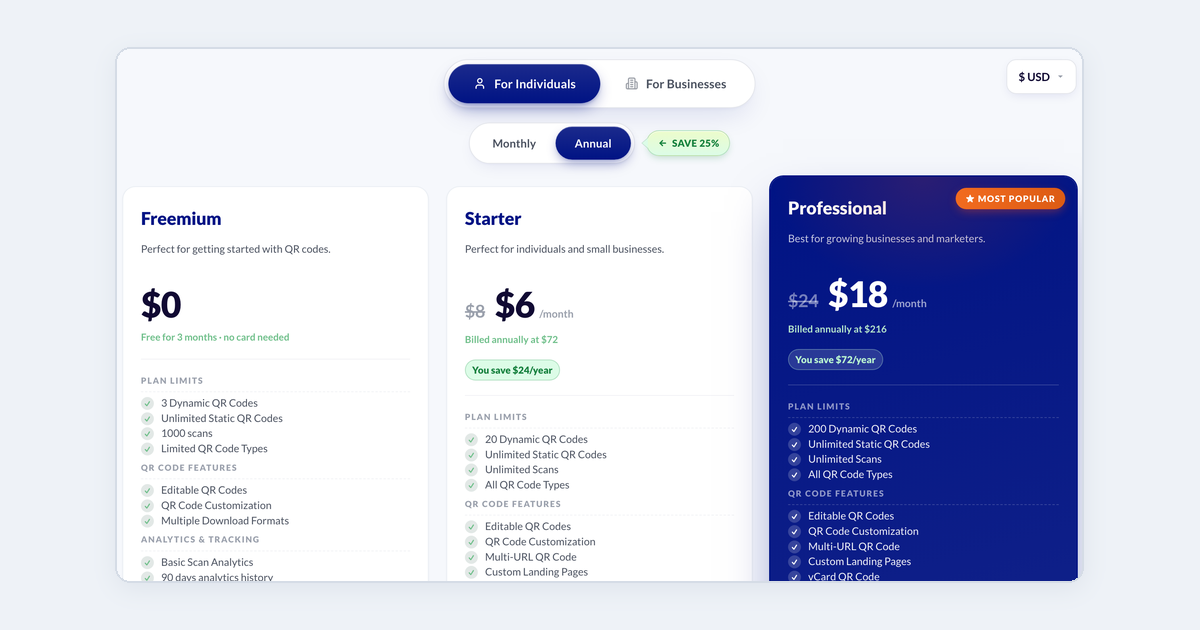
FAQ: Pricing and plans
Free and paid plans, what happens after the trial, upgrading, downgrading and cancelling.
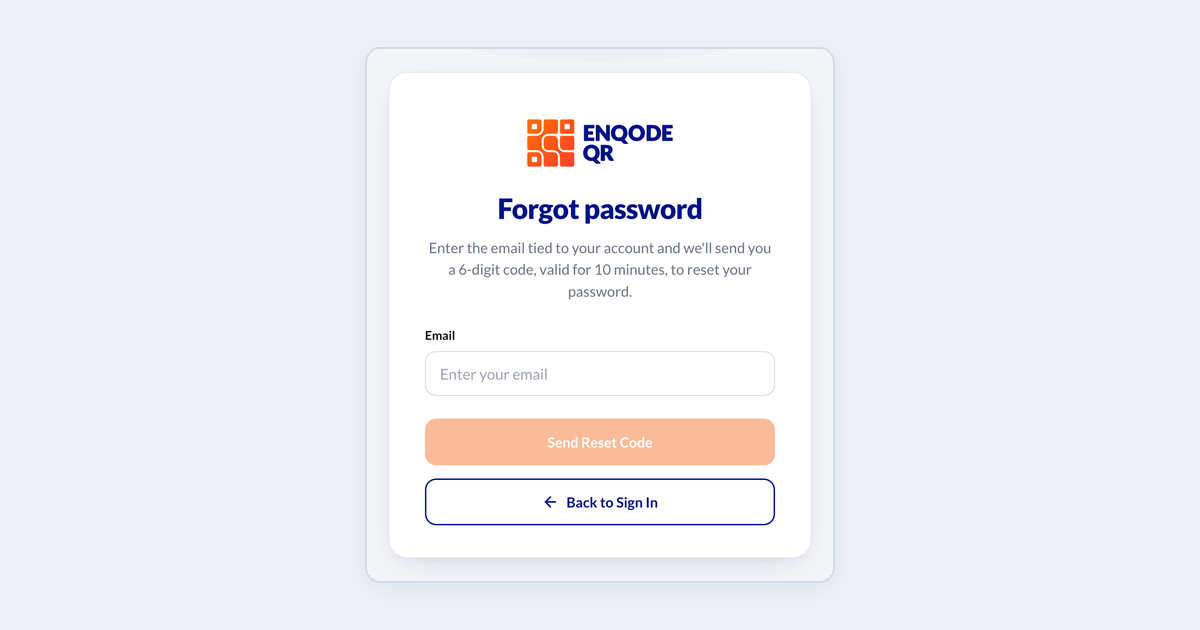
Resetting a forgotten password
Get a reset code by email and choose a new password.
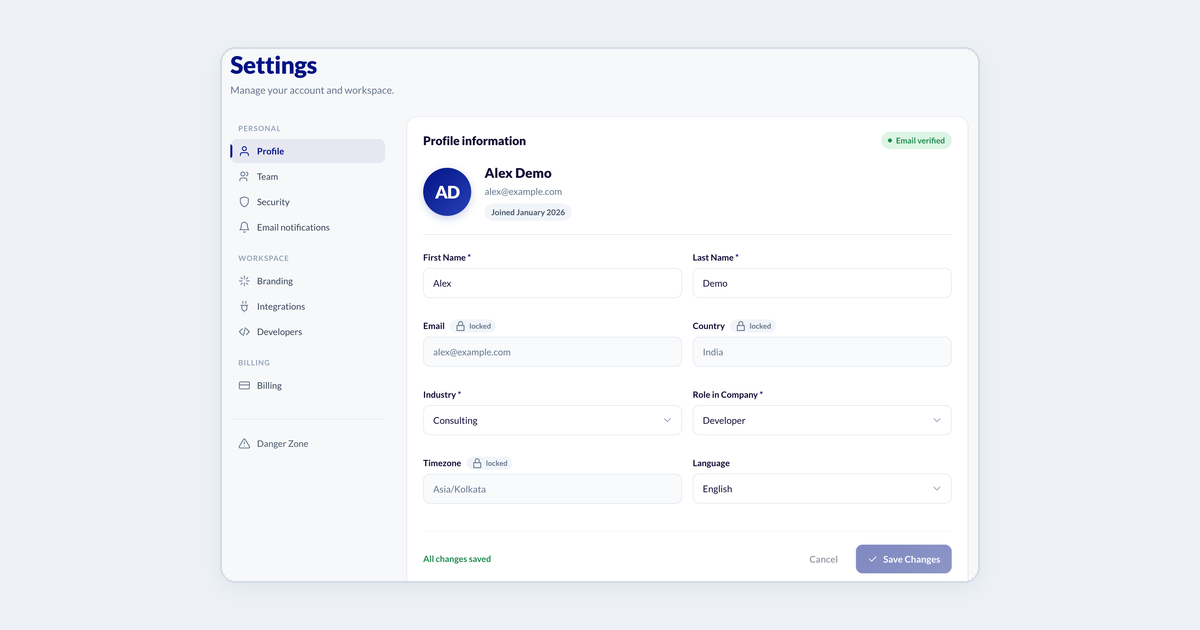
Updating your profile and password
Change your name, industry and role, or set a new password.
Security & privacy
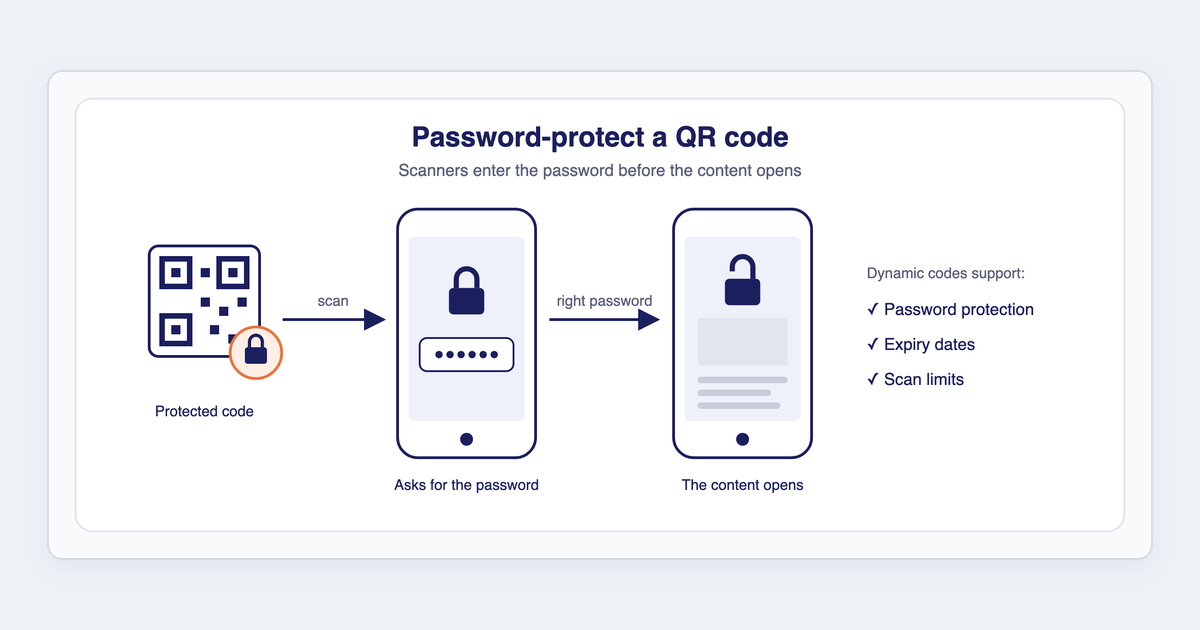
FAQ: Security and compliance
Password-protected QR codes, whether QR codes are safe to scan, and how Enqode QR handles privacy.
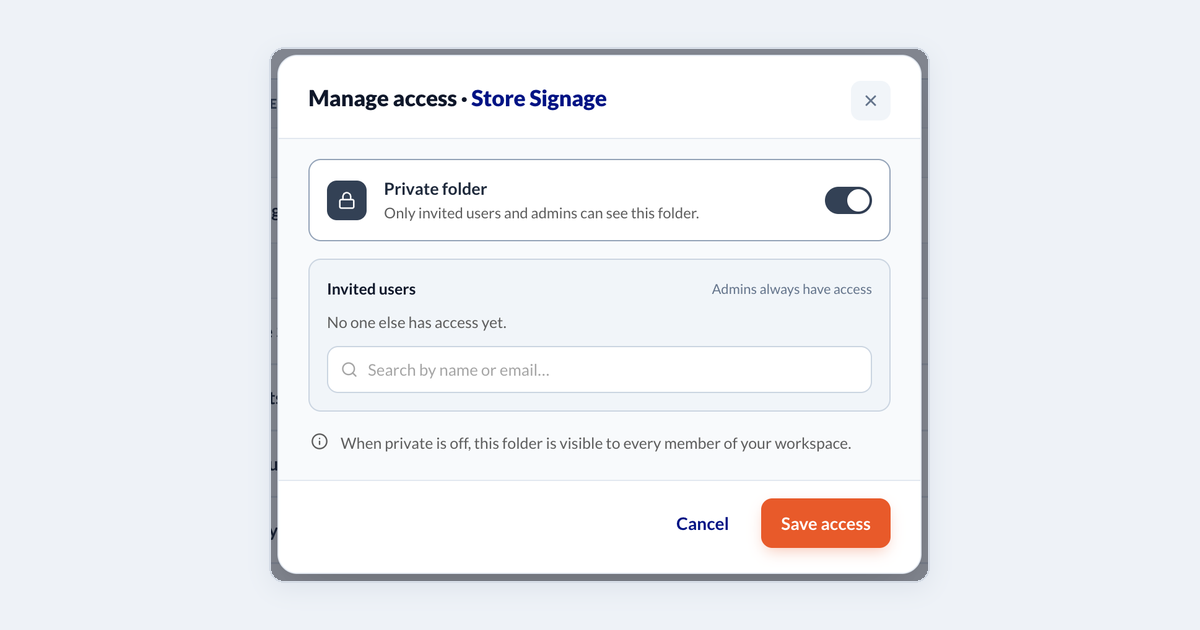
Sharing a folder and controlling who sees it
Make a folder private, invite people to it, and choose their role.
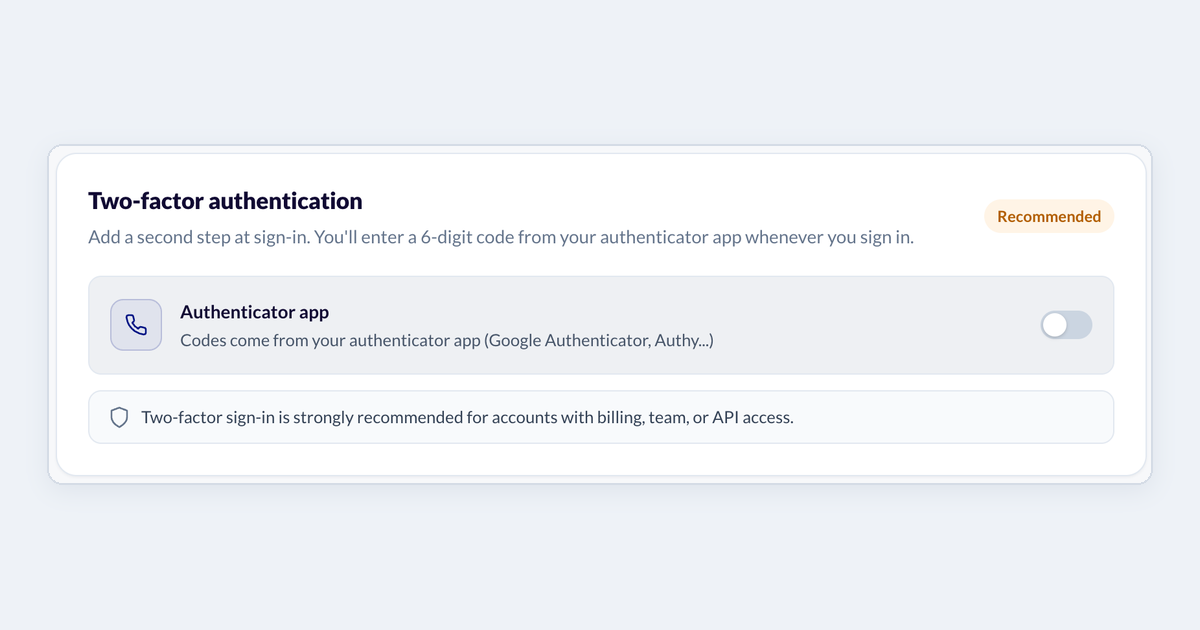
Turning on two-factor authentication
Add a 6-digit code from an authenticator app to every sign-in.
Troubleshooting
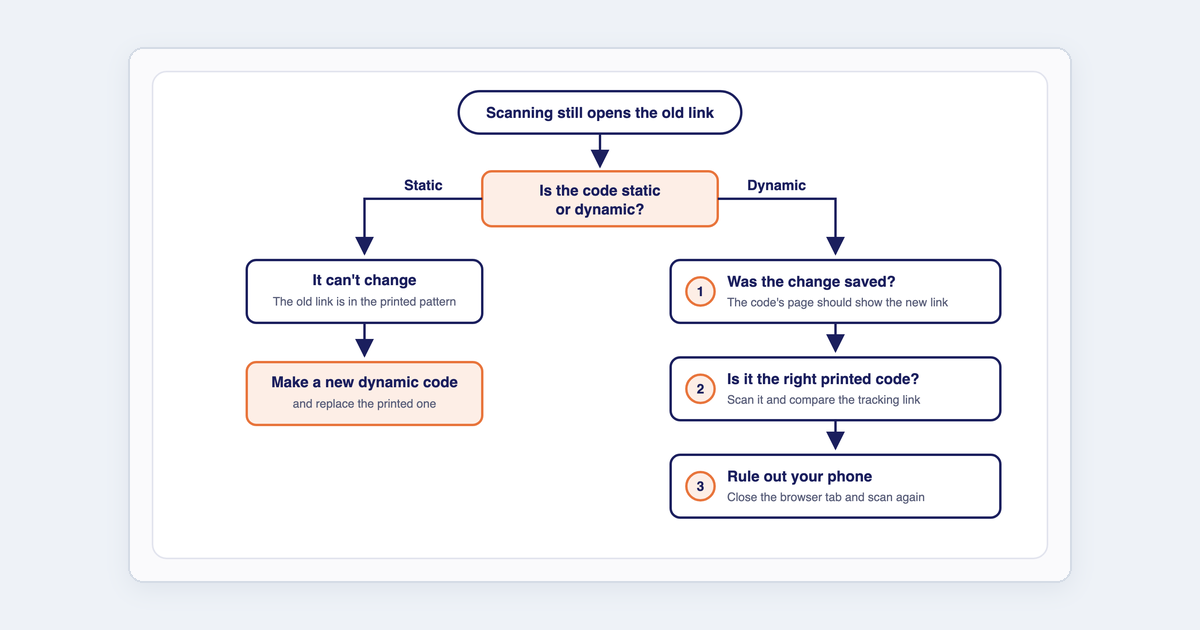
My QR still opens the old link
You changed the destination but scanning still opens the old page. Here is how to find out why.
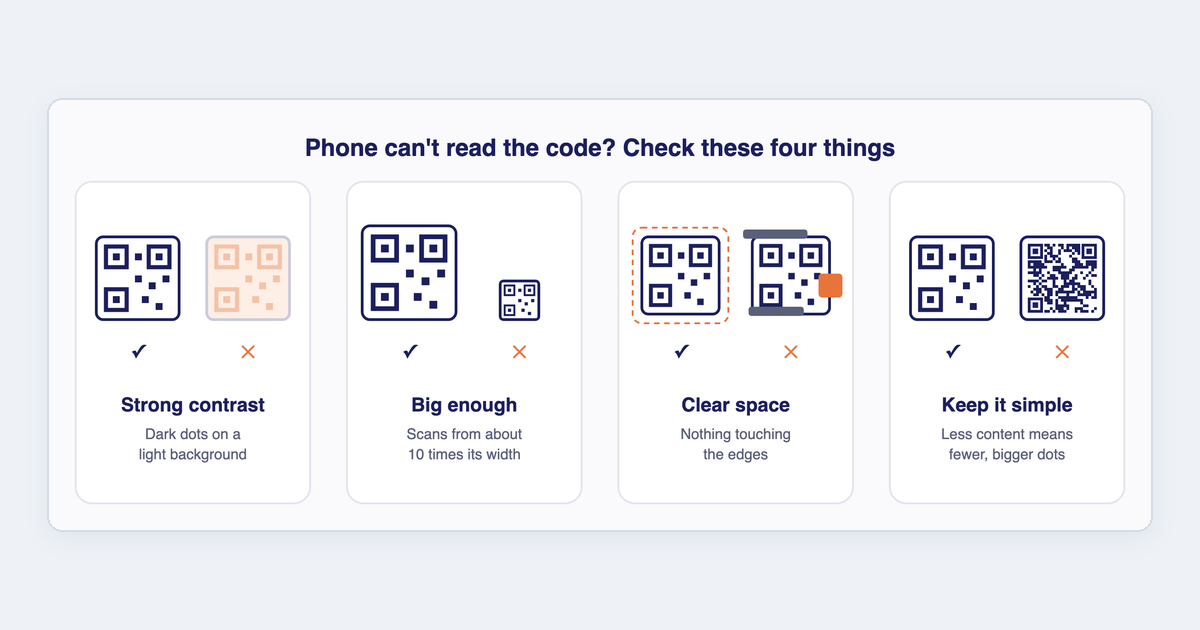
My QR code won't scan
What to check when a phone cannot read your code, or opens an error page instead of your content.
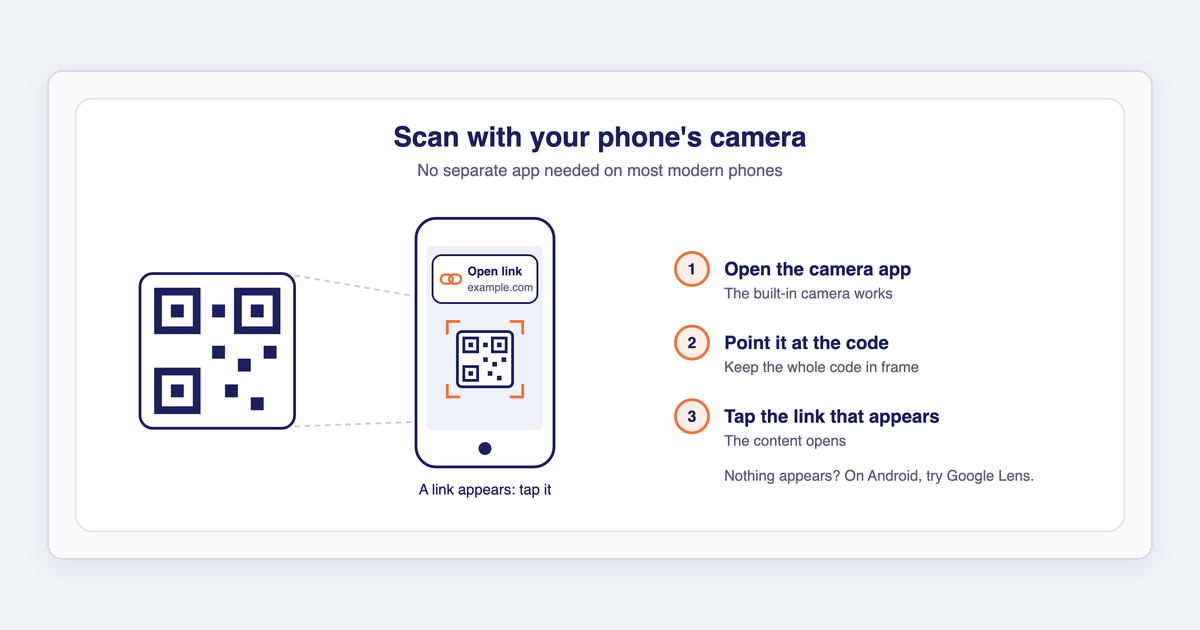
FAQ: Scanning QR codes
How to scan a QR code on iPhone and Android, from a screenshot, and how far away a code can be scanned.
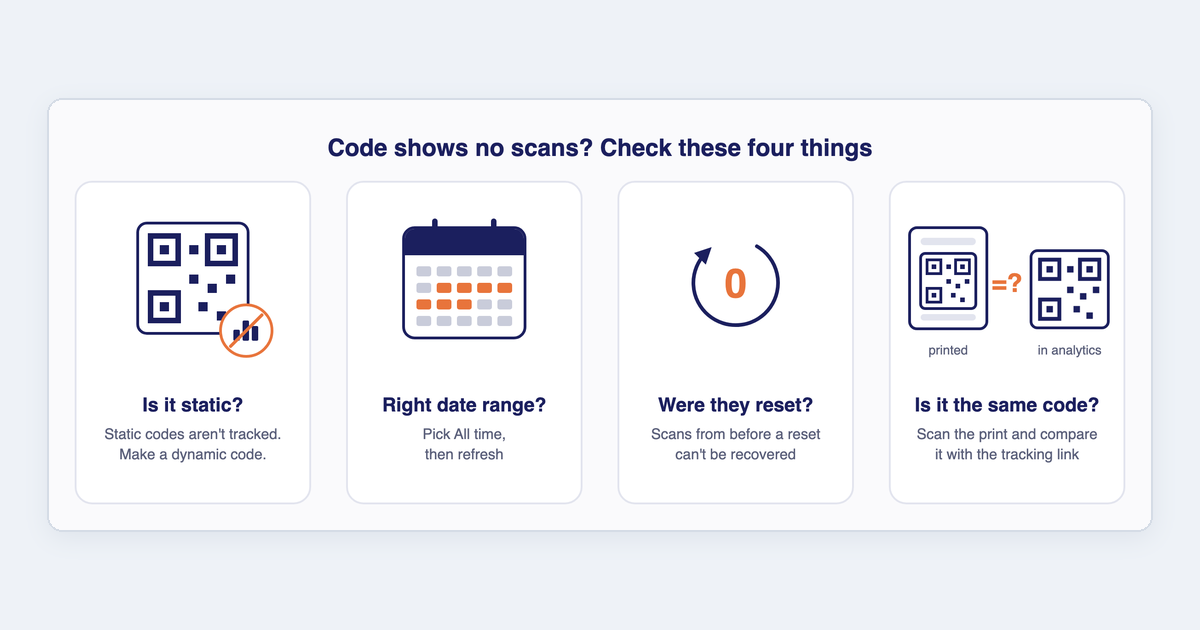
Why does my QR code show no scans?
People are scanning your code but your analytics show zero. Here is what to check.