See your current plan
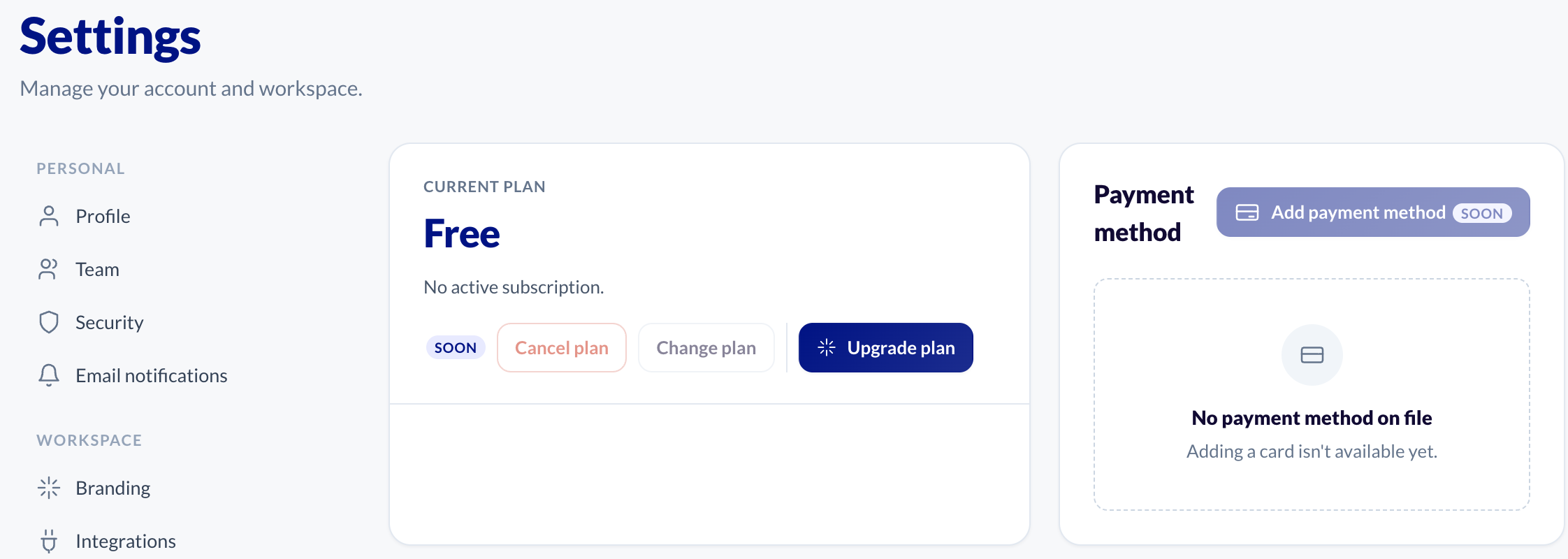
- In the sidebar, open Settings.
- Click Billing.
The Current plan card shows your plan's name and, if your subscription has them, its billing cycle and when it renews or ends. If you have no paid subscription, it says Free.
Upgrade
On the Current plan card, click Upgrade plan. This opens the pricing page, where you can compare plans and choose one.
Cancel plan and Change plan are marked "Soon" and are not available in the dashboard yet. Adding a payment method and viewing invoices are not available yet either. If you need to change or cancel your plan, send us a message.
What each plan includes
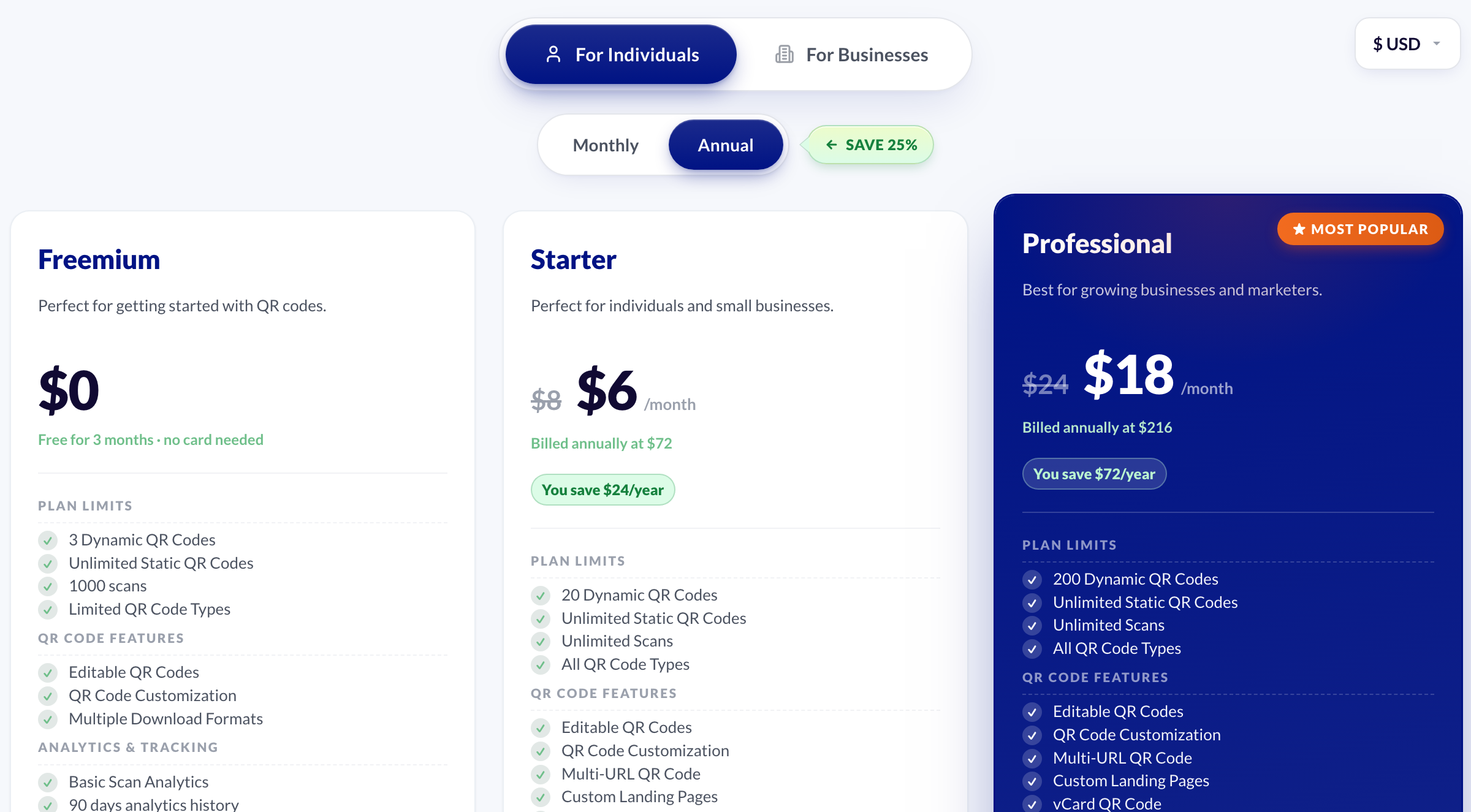
The pricing page has the full comparison. The main differences:
- Dynamic QR codes: Freemium 3, Starter 20, Professional 200, Business 500, Enterprise 1,000.
- Static QR codes: unlimited on every plan.
- Analytics history: Freemium 90 days, Starter 1 year, Professional 2 years, Business and Enterprise 3 years.
- Bulk creation: Professional and above.
- Password protection, expiry dates and scan zones: Professional and above.
