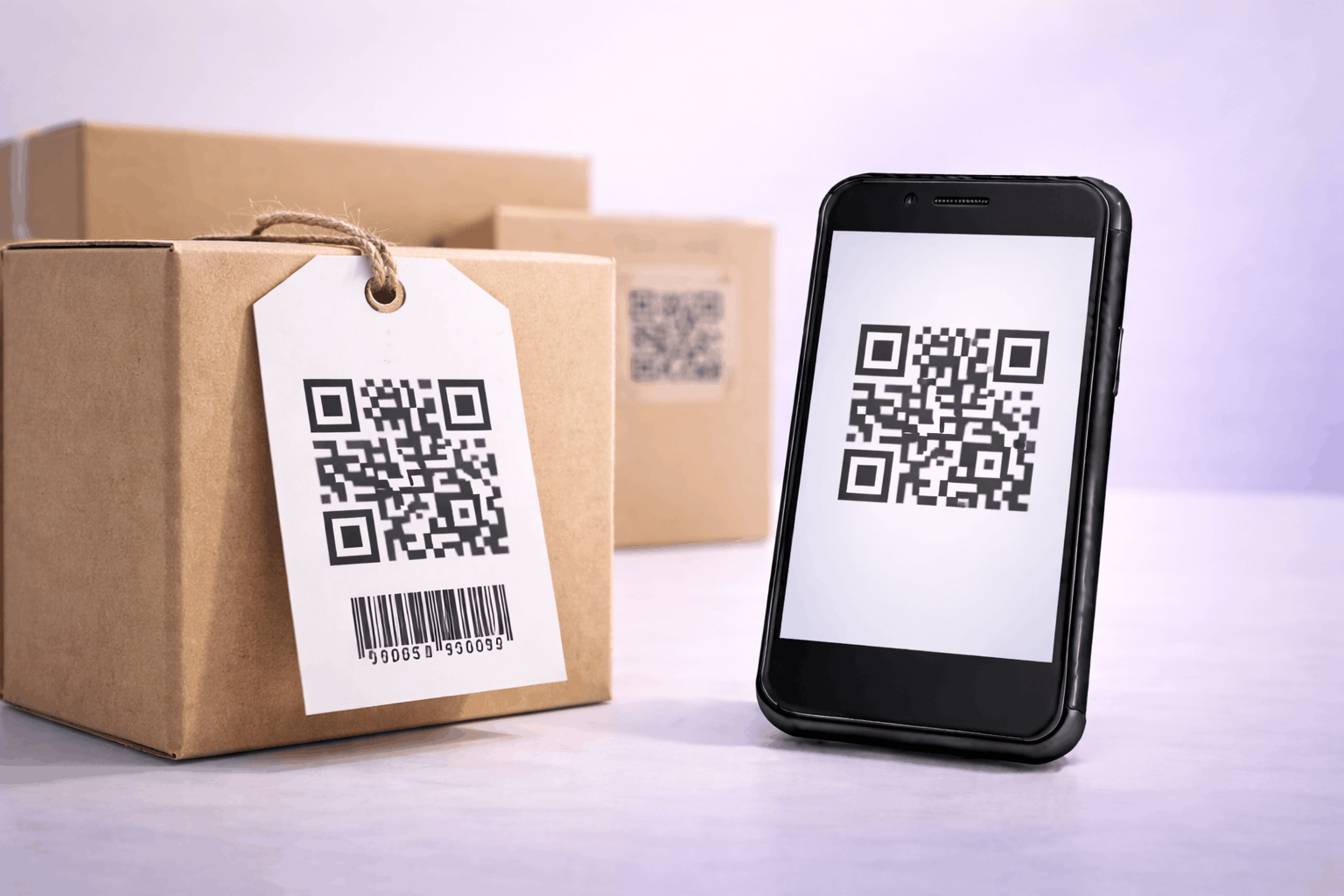
10 Best Barcode Scanner Apps for Android and iOS in 2026
Discover the 10 best barcode scanner apps for Android and iOS devices. Find fast, reliable, and feature-rich apps for QR codes, UPCs, and more to simplify your scanning needs.
Create a vCard QR code to share your contact details instantly using Enqode QR. Turn your information into a digital business card or name card QR code that is editable, professional, and easy to share.
Personal Information
First name is required
JPG or PNG, max 10MB
Contact Information*
At least one contact method (Phone or Email) is required
Address Information
Add contact address
Social Media Links
Add your social profiles
Other Links
Add up to 5 additional links
Stylise
Choose Template
Select a design for your contact card
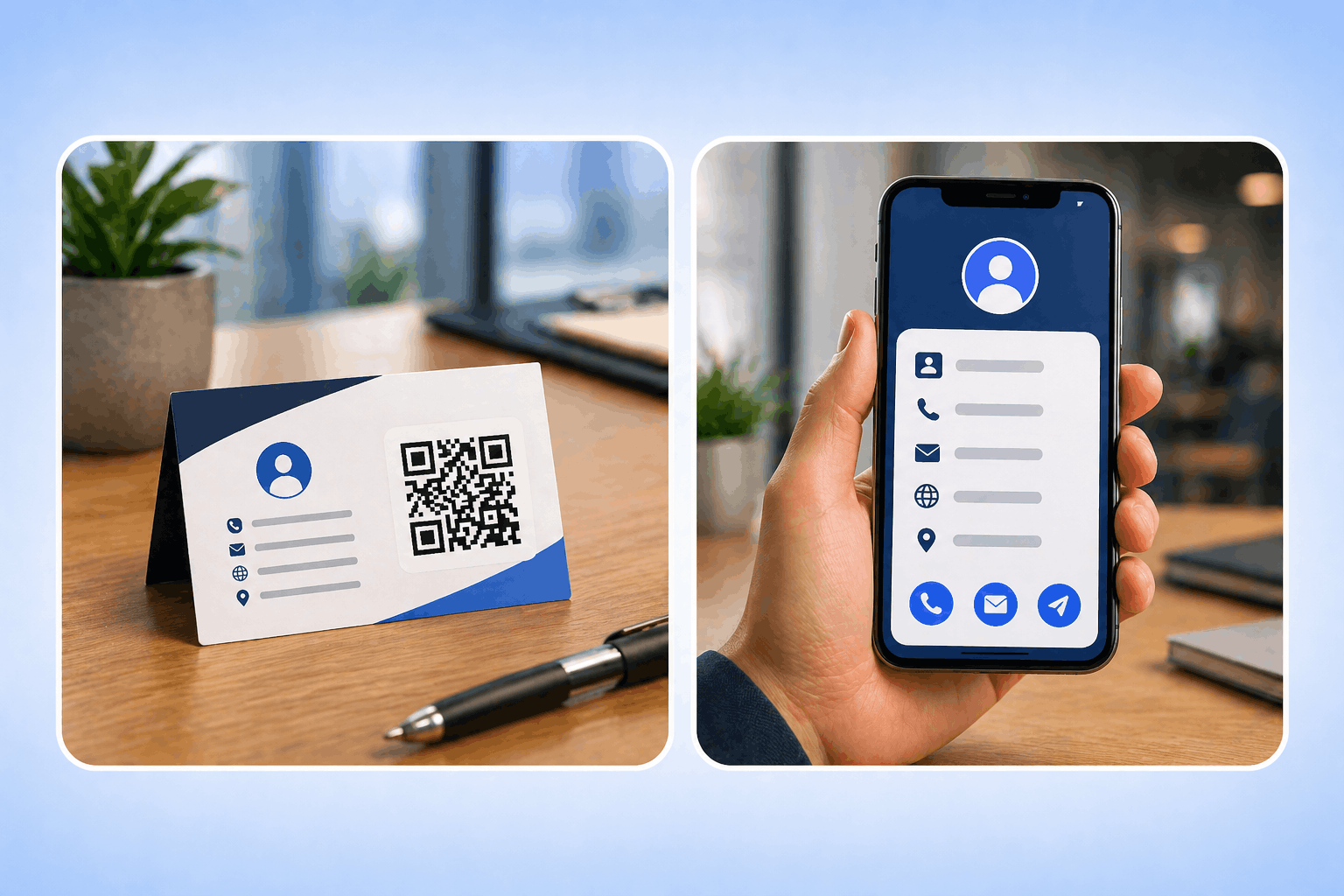
A vCard QR code, also known as a digital business card or name card QR code, allows you to share your professional contact details instantly with a single scan. Instead of manually typing names, phone numbers, or email addresses, users can scan the QR code and save your information directly to their phone’s address book, making it a faster and more professional alternative to traditional business cards.
When you create a vCard QR code using a vCard QR code generator like Enqode QR, your contact information is securely encoded into a dynamic QR code that can be shared on business cards, resumes, email signatures, or networking materials. Anyone who scans the code can view and save your details instantly, while you can update your contact information anytime without changing the QR code, making vCard QR codes ideal for modern professional networking.
Turn your contact details into a scannable card that stays current, looks on-brand, and shows you exactly how it performs.
Share your professional contact details with a single scan, and update your info anytime without changing the code.
Let people save your name, phone, email, company, and title with one scan, ensuring seamless, error-free connections.
Update your number, email, or job title anytime with dynamic vCard QR codes, no need to reprint your business cards.
Ideal for professionals, sales teams, recruiters, and event marketers who want to share details without physical cards.
See when and where your code was scanned to measure engagement and follow up effectively at events and B2B campaigns.
Your contact information is hosted securely on AWS infrastructure with GDPR-compliant, privacy-first handling.
Match your brand with custom colors, logos, and frames, turning every card into a professional extension of your brand.
Enqode QR helps you generate branded, editable, and trackable vCard QR codes — with contact templates, logos, colors, and real-time scan analytics built in.
Choose from 5 professionally designed layouts to present your contact details.
Update your contact details anytime without reprinting the QR code.
Support for links, files, vCards, Wi-Fi, apps, payments, and many more.
Add colors, logos, frames, and gradients to match your brand identity.
Monitor scans by time, device, and location with detailed real-time insights.
Create branded business landing pages directly from your QR codes.
Generate and manage thousands of QR codes from one central dashboard.
Automate time-sensitive campaigns with start & end dates and access limits.
Track every scan as it happens and turn raw data into decisions. Filter by date, location, device, OS, and browser, then export everything to plug into your existing reporting.
From business cards and sales meetings to resumes, events, and portfolios — see how vCard QR Codes make sharing contact details effortless.
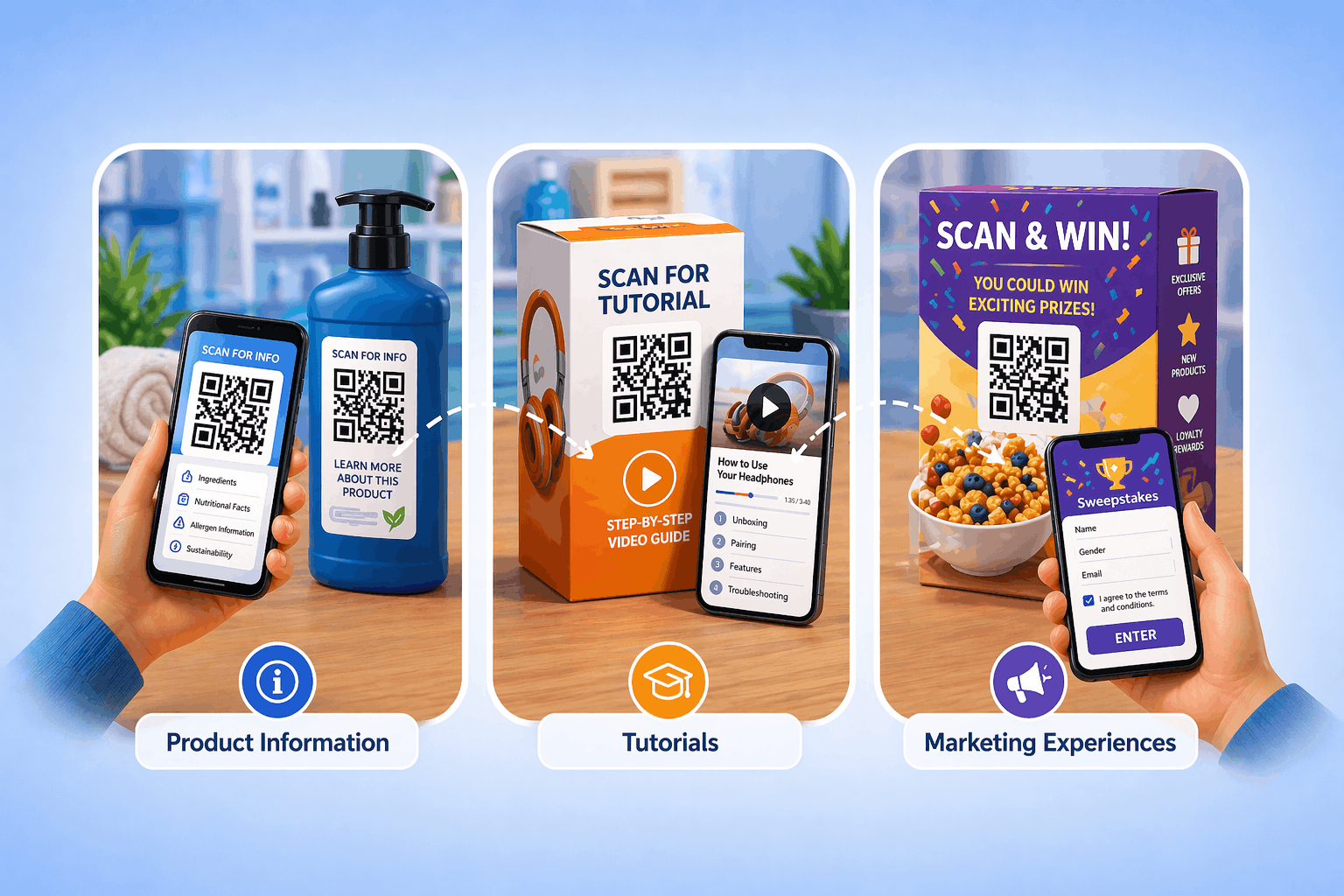
Enhance product packaging, enable instant purchases, and provide detailed product information.
See examplesDigital menus, contactless ordering, and customer feedback collection for modern dining.
See examplesProperty listings, virtual tours, and instant access to property details for agents and buyers.
See examplesStreamline check-ins, share schedules, and collect attendee feedback with QR codes.
See examplesTrack campaign performance, run experiments, and measure ROI with dynamic QR codes.
See examplesPatient information access, educational resources, and course materials sharing.
See examplesCheck-in processes, travel guides, and guest services for hotels and tourism.
See examplesDigital business cards, contact sharing, and networking event management.
See examplesAdd your contact details, customize your card, and share it anywhere — in just three quick steps.
Select the vCard QR Code option to encode your contact details into a scannable card.
Enter your name, phone, email, and company, then add colors, logos, and a template to match your brand.
Download in PNG, SVG, PDF, or EPS and add it to cards, resumes, or email signatures.
Choose the right QR code type for your needs. Compare features and capabilities side by side.
Dynamic QR codes allow you to edit the destination and track performance in real-time. Perfect for marketing campaigns and business use.
Static QR codes contain fixed information that cannot be changed once generated. Perfect for simple use cases where the content won't change.
At Enqode QR, every code you create is protected with Privacy-First Security, advanced encryption, and AWS-powered infrastructure. From personal users and startups to global enterprises, you'll always get the same unmatched reliability, privacy, and peace of mind.


Everything you need to know about vCard QR Codes — setup, security, analytics, and smart usage tips.
A vCard QR Code, also called a digital business card or name card QR code, stores your contact details so anyone can save your name, phone, email, and more to their phone with a single scan.
You can include your first and last name, company, job title, phone, email, website, address, a personal description, and social media links.
Static codes store fixed details that can’t be changed after creation. Dynamic vCard QR codes let you update your contact information anytime and track scans, without reprinting the code.
The QR code itself doesn’t expire. Static codes work forever; dynamic codes stay editable and trackable as long as your Enqode QR plan is active.
No. Any modern phone opens and saves the contact straight from the built-in camera, with no separate scanner or app needed.
Stay updated with the latest QR code trends, tips, and best practices.

Discover the 10 best barcode scanner apps for Android and iOS devices. Find fast, reliable, and feature-rich apps for QR codes, UPCs, and more to simplify your scanning needs.

Discover more about How to Scan a QR Code on Laptop: The Ultimate Guide (Windows, Mac & More)...

Discover more about How to Use QR Codes in Advertising Campaigns: Strategies, Examples & Benefits...
Add your details, customize your digital business card, and share it anywhere — then update your info anytime and track every scan from your dashboard.