QR Codes for Business Cards & Networking: Benefits, Use Cases and How to Create
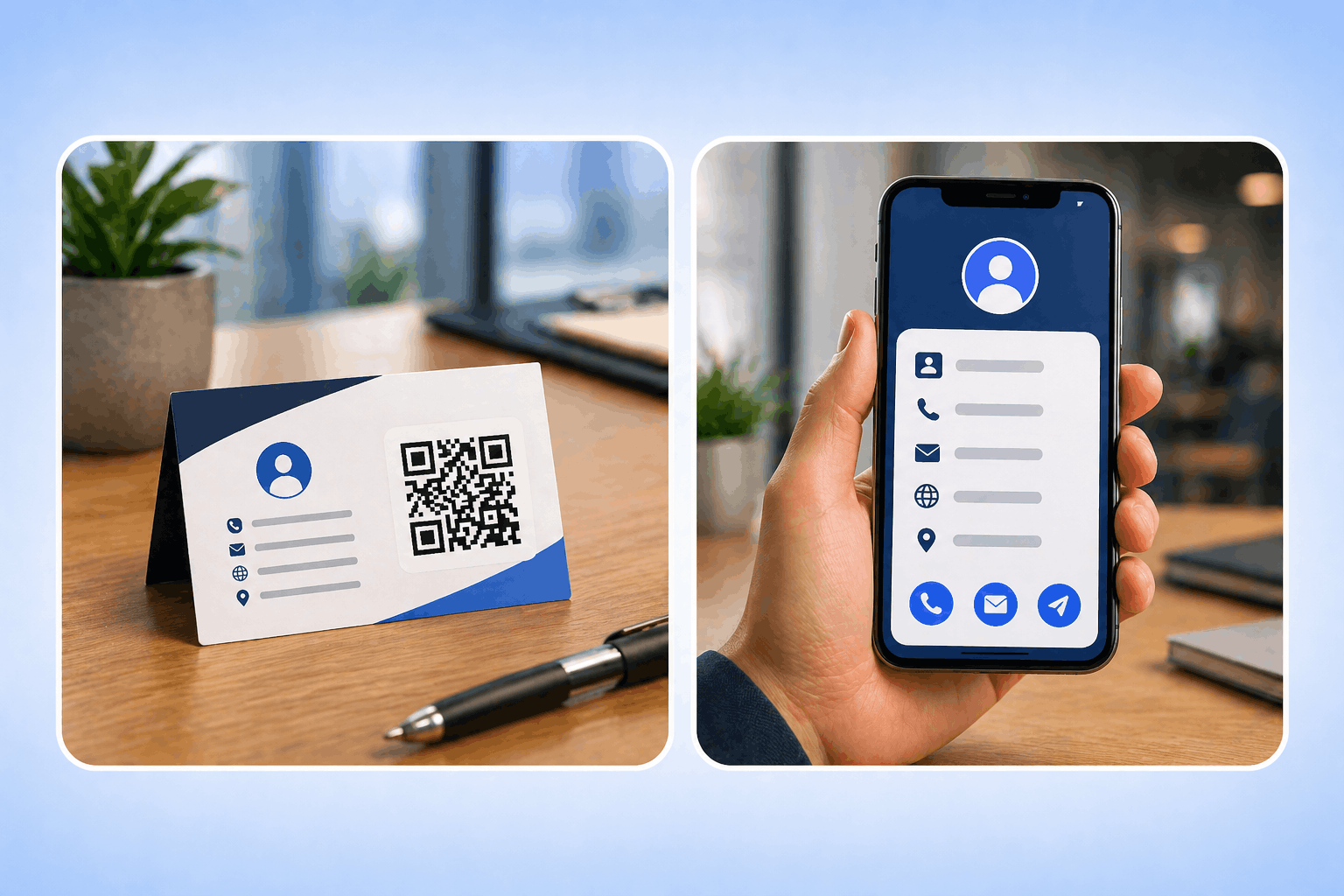
QR codes for business cards enable instant contact sharing, smarter networking, and digital-first interactions. Learn how to use and create vCard QR codes effectively.
Create a Wi-Fi QR code with Enqode QR to let guests, customers, or employees connect to your Wi-Fi instantly without typing passwords. Share simple and secure Wi-Fi access with one scan.
Pick a type, customise it to your brand, and download in seconds.
Wi-Fi Network
Devices connect automatically when scanned · SSID & password are case-sensitive
WPA/WPA2/WPA3 is recommended. WEP is legacy; “None” is for open networks; “WPA2-EAP (Enterprise)” is for corporate 802.1X networks.
A Wi-Fi QR Code is a QR code that allows users to connect to a Wi-Fi network instantly by scanning it with their smartphone. Instead of manually entering the network name and password, users can scan the QR code and connect automatically. This makes Wi-Fi QR Codes a simple and convenient solution for sharing internet access in homes, cafés, restaurants, hotels, offices, and public spaces.
When you create a Wi-Fi QR Code using Enqode QR, your network details such as the Wi-Fi name and password are securely embedded into a scannable QR code. Anyone who scans the code can connect to the network in one step, without typing credentials. Wi-Fi QR Codes are ideal for businesses and individuals who want to provide fast, hassle-free Wi-Fi access while keeping connections easy to manage and user-friendly.

Give guests, customers, and staff one-scan access that skips the password, looks on-brand, and works even when the internet is down.
Let anyone connect to your network in one scan, no typing and no shared passwords, and update the details anytime.
Users can join your Wi-Fi network with a single scan, no typing or password sharing required.
Enhance guest satisfaction by making Wi-Fi access quick and effortless in cafés, hotels, and public places.
Share Wi-Fi credentials safely without revealing the password directly to your users.
Customize your Wi-Fi QR code with your logo, brand colors, and design to align with your business identity.
Eliminate the need for staff to repeatedly share Wi-Fi details manually with every guest.
The QR code works without the internet — just scan and connect directly to the Wi-Fi network.
Enqode QR helps you generate branded, editable, and trackable Wi-Fi QR codes — with logos, colors, dynamic detail updates, and real-time scan analytics built in.
Guests join your network with a single scan — no typing or sharing passwords.
Update the network name or password anytime without reprinting the QR code.
Add colors, logos, frames, and gradients to match your brand identity.
Monitor scans by time, device, and location with detailed real-time insights.
Create branded business landing pages directly from your QR codes.
Generate and manage thousands of QR codes from one central dashboard.
Automate time-sensitive campaigns with start & end dates and access limits.
Support for links, files, vCards, Wi-Fi, apps, payments, and many more.
Track every scan as it happens and turn raw data into decisions. Filter by date, location, device, OS, and browser, then export everything to plug into your existing reporting.
From cafés and hotels to offices, events, and vacation rentals — see how businesses give visitors instant, hassle-free Wi-Fi with a single scan.
Enhance product packaging, enable instant purchases, and provide detailed product information.
See examplesDigital menus, contactless ordering, and customer feedback collection for modern dining.
See examplesProperty listings, virtual tours, and instant access to property details for agents and buyers.
See examplesStreamline check-ins, share schedules, and collect attendee feedback with QR codes.
See examplesTrack campaign performance, run experiments, and measure ROI with dynamic QR codes.
See examplesPatient information access, educational resources, and course materials sharing.
See examplesCheck-in processes, travel guides, and guest services for hotels and tourism.
See examplesDigital business cards, contact sharing, and networking event management.
See examplesEnter your network details, customize your code, and display it anywhere — in just three quick steps.
Select the Wi-Fi QR Code option to share your network name, password, and encryption type in one scannable code.
Add your SSID, password, and encryption type, then apply your logo, colors, and frames to match your brand.
Download in PNG, SVG, PDF, or EPS and place it anywhere guests connect, then monitor every scan.
At Enqode QR, every code you create is protected with Privacy-First Security, advanced encryption, and AWS-powered infrastructure. From personal users and startups to global enterprises, you'll always get the same unmatched reliability, privacy, and peace of mind.


Everything you need to know about Wi-Fi QR Codes — setup, security, analytics, and smart usage tips.
A Wi-Fi QR Code stores your network name and password so anyone can connect by scanning it, with no need to type credentials.
Virtually all modern smartphones do. iPhones (iOS 11+) and most Android phones connect straight from the built-in camera, no separate app required.
Yes. Enqode QR supports WPA/WPA2/WPA3, WEP, WPA2-EAP (Enterprise), and open (no password) networks.
No. Any modern phone reads the code with its built-in camera and prompts to join the network automatically.
Yes. The network details are embedded in the code itself, so it works offline — just scan and connect.
They open the phone camera, point it at the code, and tap the prompt to join — the phone fills in the network name and password automatically, so there’s nothing to type.
The QR code itself doesn’t expire. Enqode Wi-Fi QR Codes are dynamic, so you can update the network name or password anytime from your dashboard without reprinting the code.
Add your logo, brand colors, and a frame with a call-to-action so the code matches your business identity.
Put it on tables, menus, welcome cards, reception desks, room keys, or posters — anywhere guests look for the network.
Yes. A prompt like “Scan to Connect to Wi-Fi” tells people exactly what to do and boosts scans.
With a dynamic Wi-Fi QR Code you can update the SSID or password anytime without reprinting the code.
You can export in PNG, SVG, PDF, or EPS for high-quality print and digital use.
Yes. Guests connect without ever seeing the typed password, and your code is hosted on secure AWS infrastructure.
Yes. The password is embedded in the code, so people connect by scanning without the password being shown or shared verbally.
Yes. Enqode QR follows privacy-first, GDPR-compliant practices and protects your data with encryption.
Avoid posting private network credentials publicly. For guest or public networks like café Wi-Fi, public display is fine — but share codes for private home networks only with trusted guests.
Yes. Dynamic codes give you analytics on total scans, locations, devices, and timing.
Yes. Scan insights show location, device type, and time so you can understand usage patterns.
All your scan analytics live in your Enqode QR dashboard with real-time reports and insights.
Scan analytics reveal peak connection times and popular locations, helping you plan staffing, time promotions, and gauge guest engagement.
Network names and passwords are case-sensitive — confirm both before generating the code.
A prompt like “Scan to Connect” helps guests know exactly what the code does.
Scan the code on both platforms to confirm it connects reliably everywhere.
Print the code large enough with dark-on-light contrast so it scans on the first try.
Position codes on tables, welcome cards, or reception desks where people naturally look for Wi-Fi.
Share a dedicated guest SSID to keep your main network private and secure.
With a dynamic code you can rotate the password anytime without reprinting anything.
Yes. Dynamic Wi-Fi QR Codes let you update network credentials anytime without reprinting, and they support scan tracking so you can monitor usage.
Test it right after creating it and whenever you change your network settings. Periodic checks — monthly or after any venue change — keep it reliable.
Stay updated with the latest QR code trends, tips, and best practices.

QR codes for business cards enable instant contact sharing, smarter networking, and digital-first interactions. Learn how to use and create vCard QR codes effectively.

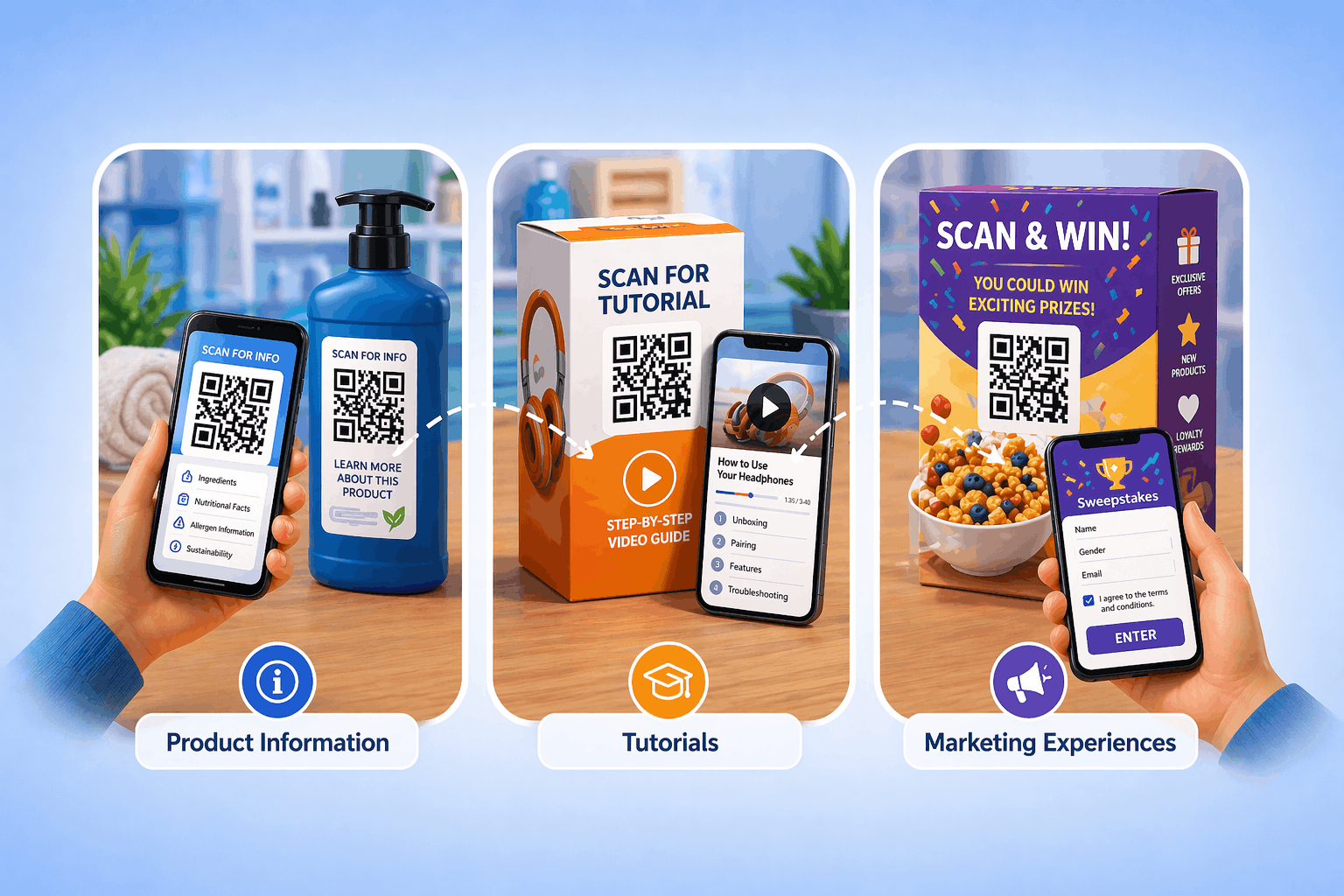
QR codes on product packaging help brands connect offline products with digital experiences, improving engagement, transparency, and tracking. Learn how to use and create them effectively.

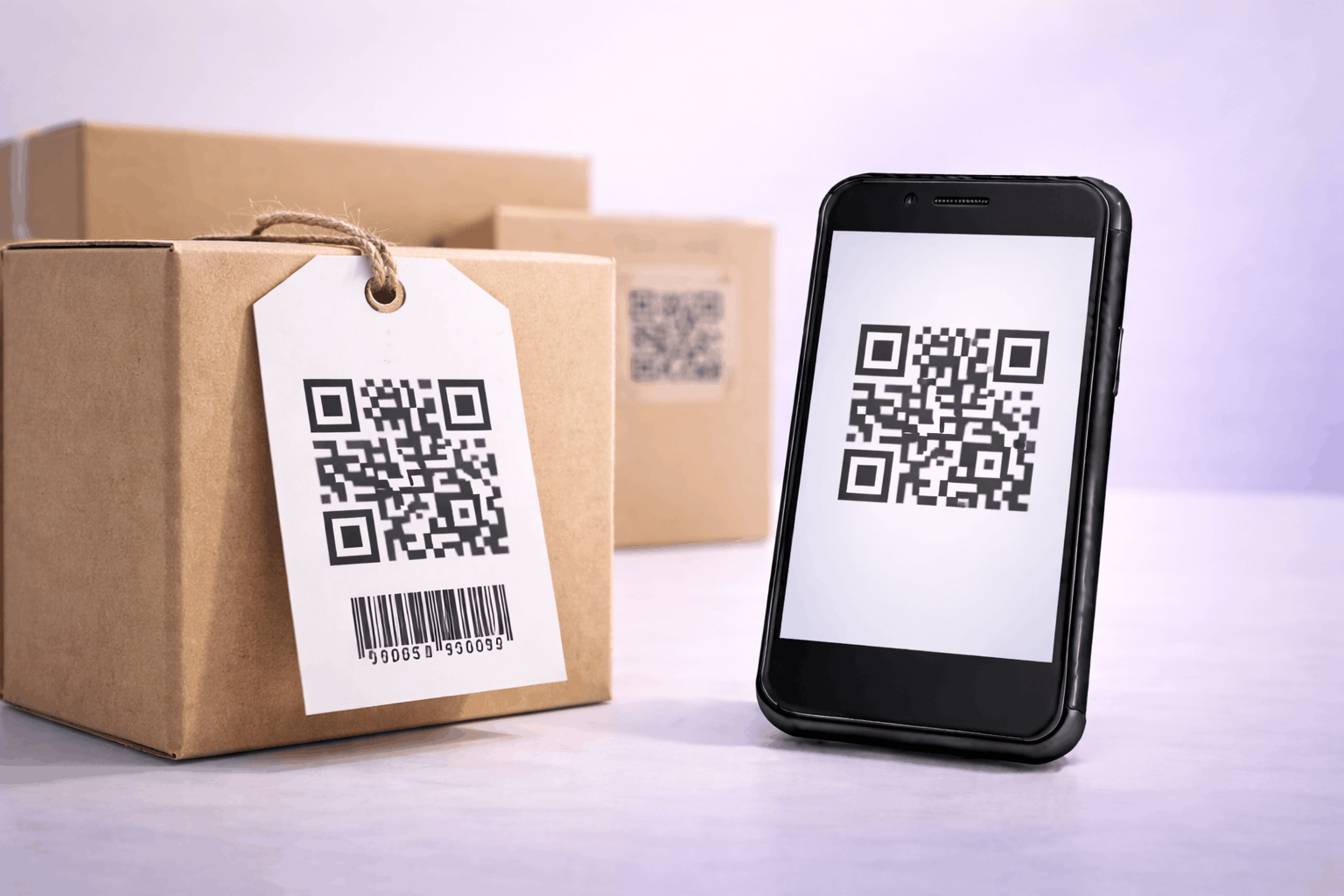
Learn how to create a 2D barcode QR code to store product information, inventory details, and tracking data. Ideal for retail, inventory management, and product labelling.
Enter your network details, customize your code, and display it anywhere — then update the details anytime and track every scan from your dashboard.