Email QR Code Generator to Let Users Send Emails Instantly

Create an email QR code that opens a pre-filled email in one scan — with your address, subject, and message ready to send. Ideal for customer support, business inquiries, and contact on cards, posters, and packaging.

View Pricing Plans
Send emails in one scanNo typing, no typosTrack scans with dynamic

Select Type

1/3
2

Enter Details

Email QR Code Generator

The email address that will receive the message when the QR code is scanned.

The subject line for the email.

The message body for the email.

0 characters

What Is an Email QR Code?

An Email QR Code is a scannable QR code that allows people to contact you instantly without typing your email address. When scanned, it opens the user’s email app with your recipient address, subject, and message ready to go, so they can send a message quickly and easily. This helps reduce errors and speeds up communication for inquiries, feedback, or general contact.

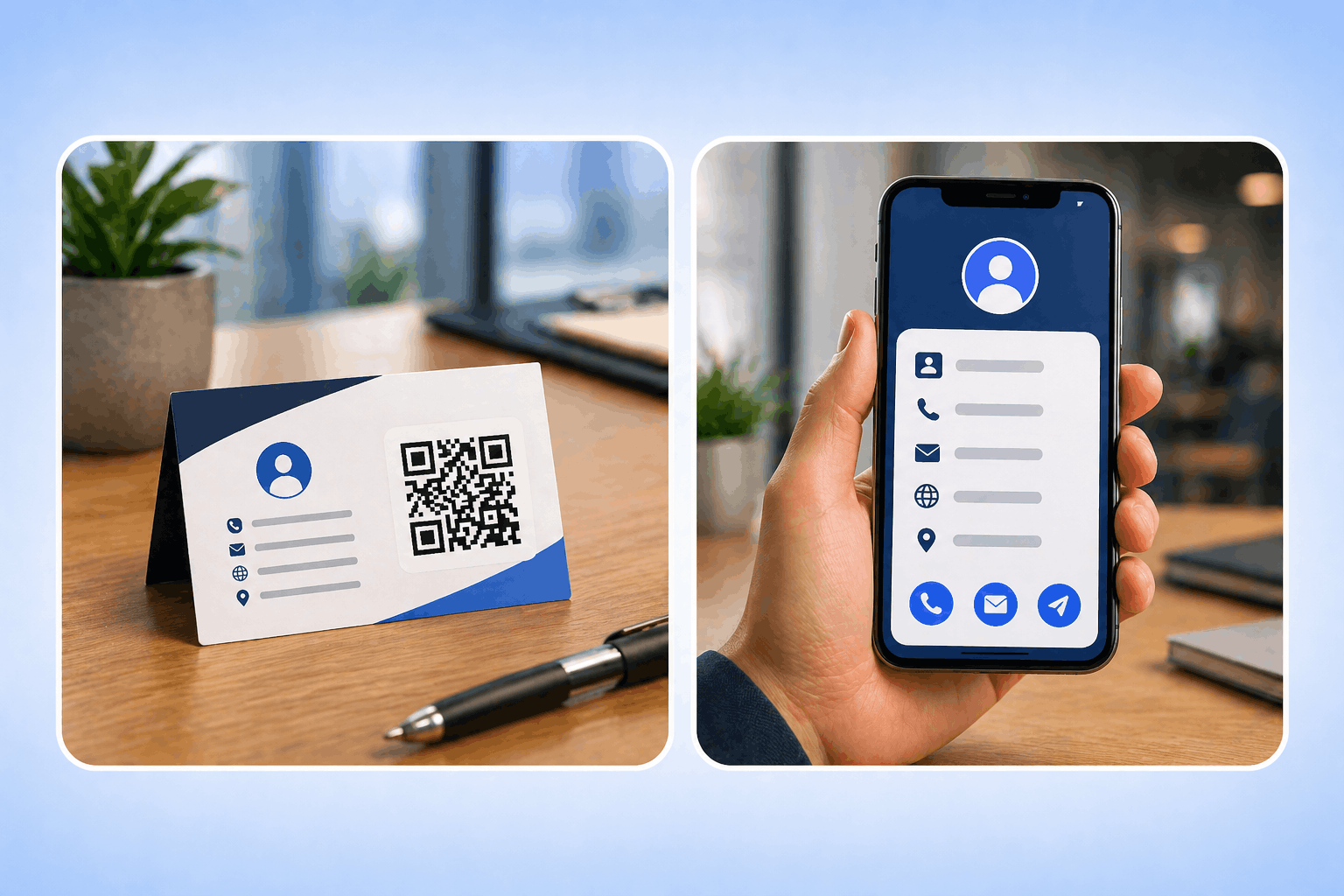
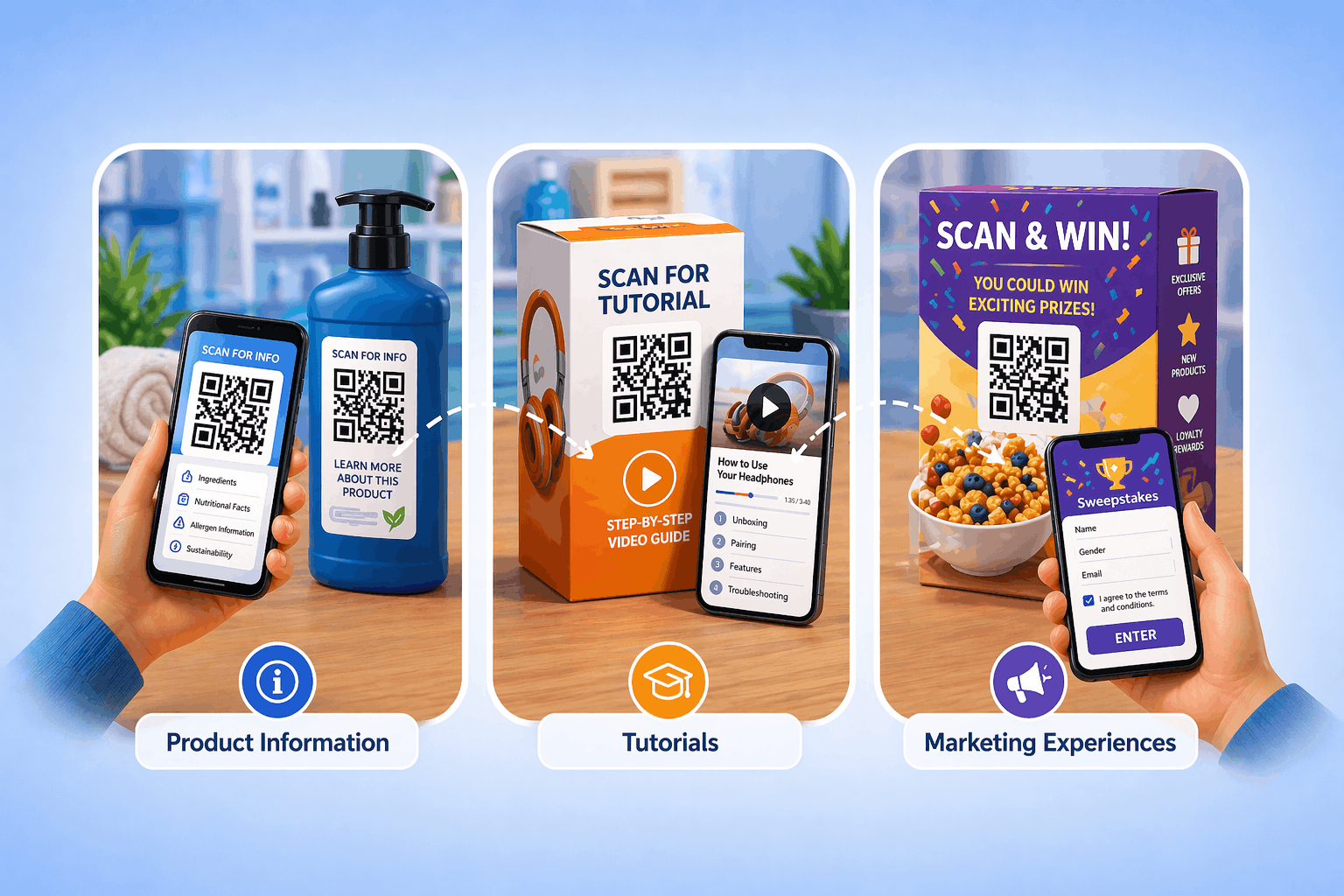
Email QR Codes can be shared on business cards, posters, packaging, or digital materials. They make it easier for people to reach out, simplify communication, and encourage faster responses across both physical and online touchpoints. This helps businesses stay more connected with their audience and respond efficiently.

Benefits of Using Email QR Codes

Put your inbox behind one scan — instant contact, error-free messages, higher response rates, and editable anytime with dynamic codes.

Email QR Code

Scan to open a pre-filled email — recipient, subject, and message ready to send. Add it to business cards, posters, or packaging so anyone can reach you in one tap.

  • Instant Communication

    Let users reach you instantly without typing your email address manually — perfect for customer inquiries or event follow-ups.

  • Error-Free Messaging

    Predefine your recipient, subject, and message body to avoid typos and ensure clarity in every message.

  • Boost Response Rates

    Simplify the contact process, encouraging more people to reach out, submit feedback, or make inquiries.

  • Ideal for Business Cards & Brochures

    Add your Email QR Code to print materials so clients can contact you easily after meetings or events.

  • Track Engagement with Dynamic QR

    Monitor scans by time, device, and location to measure communication effectiveness and campaign reach.

  • Fully Editable Anytime

    Update your email details or message text anytime without reprinting your code — with dynamic email QR codes.

Features That Make Enqode QR the Best Email QR Code Generator

Enqode QR helps you generate branded, editable, and trackable Email QR codes — with pre-filled recipient, subject, and message, plus real-time scan analytics on dynamic codes.

Unlimited Free Static QR Codes

Create as many free static QR codes as you need — they work forever, no cap.

Dynamic QR Codes with Real-Time Editing

Update your QR code content anytime without reprinting. Print once, edit forever.

27 QR Code Types for Every Need

Support for links, files, vCards, Wi-Fi, apps, payments, and many more.

Advanced Customization & Branding

Add colors, logos, frames, and gradients to match your brand identity.

Scan Tracking & Analytics

Monitor scans by time, device, and location with detailed real-time insights.

Custom QR Code Landing Pages

Create branded business landing pages directly from your QR codes.

Bulk Creation & Dashboard Management

Generate and manage thousands of QR codes from one central dashboard.

Scheduled & Expiry-Based QR Codes

Automate time-sensitive campaigns with start & end dates and access limits.

Powerful Analytics Dashboard

Track every scan as it happens and turn raw data into decisions. Filter by date, location, device, OS, and browser, then export everything to plug into your existing reporting.

  • Real-time scan stream
    See scans land in seconds, with city, device, OS, and time of day on every event.
  • Geographic data
    Drill down from country to city, with heat-map overlays.
  • Device insights
    iOS, Android, browser and OS version split for every QR.
  • Performance metrics
    Compare campaigns side by side and export to CSV or your BI tool.
Generate QR Code