QR Codes for Business Cards & Networking: Benefits, Use Cases and How to Create
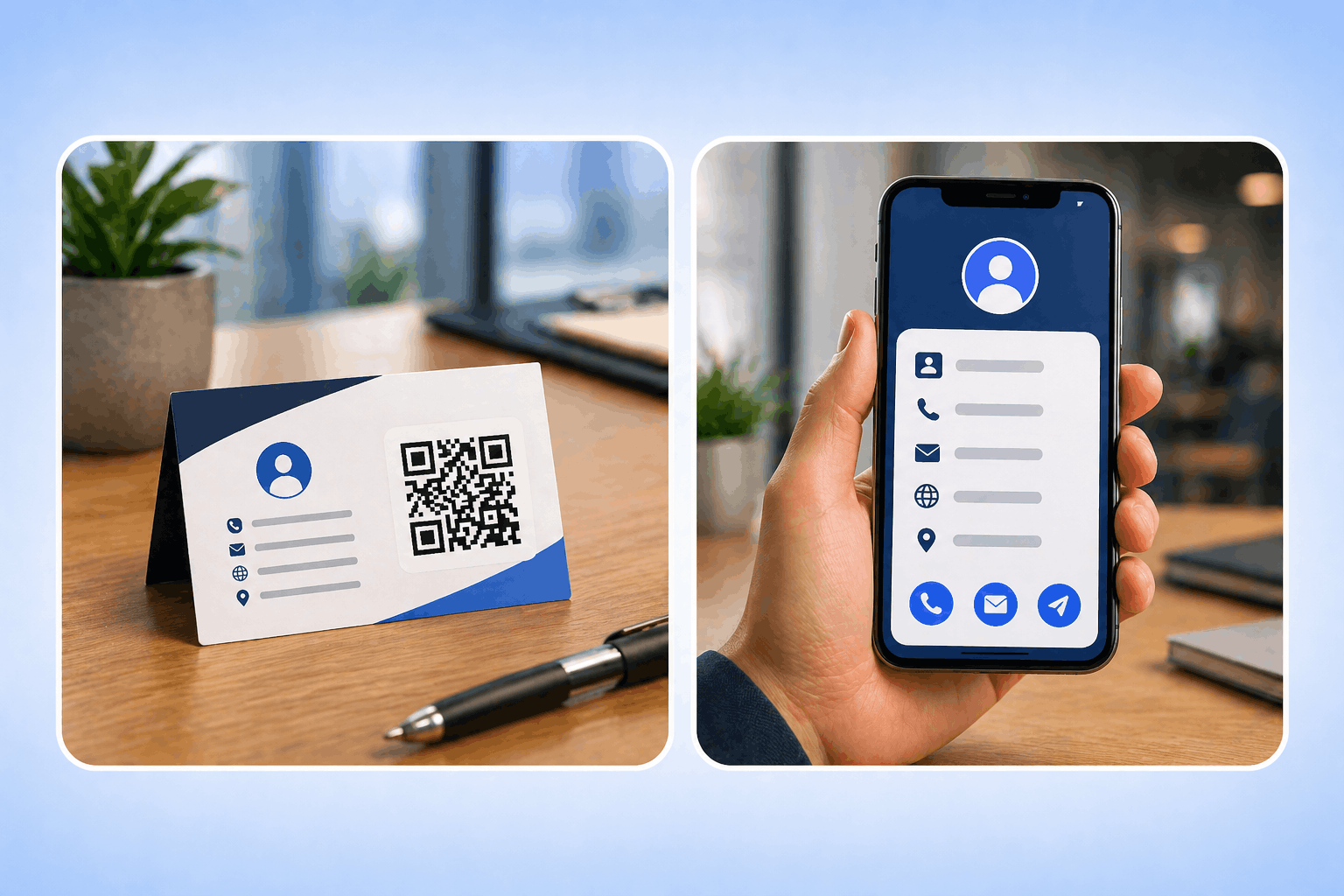
QR codes for business cards enable instant contact sharing, smarter networking, and digital-first interactions. Learn how to use and create vCard QR codes effectively.
Create a review QR code with Enqode QR to let customers share feedback with a simple scan. Make it easy to collect reviews, ratings, and build trust.
Pick a type, customise it to your brand, and download in seconds.
The page where customers will land to leave a review
A Review QR Code is a scannable QR code that directs customers straight to your review or feedback page. Instead of manually searching for your business online, customers can scan the QR code and share their experience instantly, making the review process simple and friction-free. This helps remove common barriers that often prevent customers from leaving reviews.
With Enqode QR, businesses can create review QR codes that are easy to share across physical and digital touchpoints. These QR codes help you collect customer reviews more efficiently, strengthen trust, and improve your overall brand reputation. They are ideal for businesses looking to encourage consistent and authentic customer feedback.

Turn every customer into a review with one scan — frictionless to leave, on-brand, editable anytime, and fully trackable.
Send customers straight to your review page in one scan — link Google, Yelp, or Trustpilot — and switch platforms anytime without reprinting.
Customers can scan and leave feedback in seconds — no manual search or extra steps.
Encourages more positive reviews on Google, Yelp, and Facebook, improving brand trust and SEO ranking.
More authentic reviews help your business appear higher in Google Maps and local search results.
Get real-time analytics on total scans, location, device type, and peak engagement times.
Update or change review platforms without reprinting your QR code — perfect for long-term campaigns.
Re-engage loyal customers by printing QR codes on receipts, invoices, or thank-you cards.
Enqode QR helps you generate branded, editable, and trackable Review QR codes — with logos, colors, dynamic link updates, and real-time scan analytics built in.
Create as many free static QR codes as you need — they work forever, no cap.
Update your QR code content anytime without reprinting. Print once, edit forever.
Support for links, files, vCards, Wi-Fi, apps, payments, and many more.
Add colors, logos, frames, and gradients to match your brand identity.
Monitor scans by time, device, and location with detailed real-time insights.
Create branded business landing pages directly from your QR codes.
Generate and manage thousands of QR codes from one central dashboard.
Automate time-sensitive campaigns with start & end dates and access limits.
Track every scan as it happens and turn raw data into decisions. Filter by date, location, device, OS, and browser, then export everything to plug into your existing reporting.
From restaurants and salons to e-commerce, healthcare, and events — see how businesses collect authentic reviews with a single scan.
Enhance product packaging, enable instant purchases, and provide detailed product information.
See examplesDigital menus, contactless ordering, and customer feedback collection for modern dining.
See examplesProperty listings, virtual tours, and instant access to property details for agents and buyers.
See examplesStreamline check-ins, share schedules, and collect attendee feedback with QR codes.
See examplesTrack campaign performance, run experiments, and measure ROI with dynamic QR codes.
See examplesPatient information access, educational resources, and course materials sharing.
See examplesCheck-in processes, travel guides, and guest services for hotels and tourism.
See examplesDigital business cards, contact sharing, and networking event management.
See examplesAdd your review link, customize your code, and share it anywhere — in just three quick steps.
Select the Review QR Code option to send customers straight to your feedback or review page.
Add your Google, Yelp, or Trustpilot review link, then apply your logo, colors, and frames to match your brand.
Download in PNG, SVG, PDF, or EPS and place it on receipts, tables, or packaging, then monitor every scan.
Choose the right QR code type for your needs. Compare features and capabilities side by side.
Dynamic QR codes allow you to edit the destination and track performance in real-time. Perfect for marketing campaigns and business use.
Static QR codes contain fixed information that cannot be changed once generated. Perfect for simple use cases where the content won't change.
At Enqode QR, every code you create is protected with Privacy-First Security, advanced encryption, and AWS-powered infrastructure. From personal users and startups to global enterprises, you'll always get the same unmatched reliability, privacy, and peace of mind.


Everything you need to know about Review QR Codes — setup, platforms, analytics, and smart usage tips.
It’s a QR code that sends customers straight to your review or feedback page, so they can rate your business or leave a review in seconds without searching for you online.
You can link to Google My Business, Yelp, TripAdvisor, Trustpilot, Facebook, or any custom feedback form or landing page you use to collect reviews.
No. Any modern phone opens your review page straight from its built-in camera. Customers may need to sign in to the review platform (e.g. a Google account) to post publicly.
Yes. With a dynamic Review QR Code you can switch the review platform or update the destination link anytime without reprinting the code.
The QR code itself doesn’t expire. A dynamic Review QR Code stays editable and trackable for as long as your Enqode QR plan is active.
Yes — static Review QR Codes are free to create, never expire, and support unlimited scans. Dynamic Review QR Codes, which let you switch review platforms, edit the destination, and track scans, are included with Enqode QR’s paid plans.
Add your logo, brand colors, and a frame with a call-to-action so the code matches your brand identity.
Yes. A prompt like “Scan to Review Us” or “Rate Your Experience” tells people exactly what to do and boosts response rates.
You can export the QR code in PNG, SVG, PDF, or EPS for high-quality print and digital use.
For most printed materials, use at least 2 × 2 inches to ensure reliable scanning.
More reviews boost your Google Business Profile visibility, helping you rank higher in “near me” searches.
Yes. You can also link them to Google Forms, Typeform, or custom survey pages for private responses.
Yes. Dynamic Review QR Codes give you analytics on total scans, unique users, locations, devices, and timing.
Put it on receipts, invoices, table tents, packaging, thank-you cards, business cards, or near your checkout — anywhere customers finish an experience.
Yes. Point the same code at Google today and Trustpilot tomorrow — with a dynamic code the printed QR stays the same.
Place the code where customers finish a positive experience — on the receipt, at checkout, or on a thank-you card — to capture feedback while it’s fresh.
A prompt like “Scan to Leave a Review” helps people know exactly what to expect and increases scans.
Link directly to the review form, not a homepage, so customers can leave feedback in as few taps as possible.
Scan on both platforms to confirm your review page opens correctly everywhere.
Print the code large enough with dark-on-light contrast so it scans on the first try.
Dynamic codes let you switch review platforms and track performance without reprinting anything.
Watch which locations and times drive the most reviews in your dashboard, then focus your prompts there.
Avoid offering rewards for reviews on Google or Yelp, as it violates their policies. Instead, politely ask for honest feedback.
Yes. Feedback of all kinds helps you understand customer expectations and improve your service.
Update it when switching platforms, launching new campaigns, or rebranding your business page.
Stay updated with the latest QR code trends, tips, and best practices.

QR codes for business cards enable instant contact sharing, smarter networking, and digital-first interactions. Learn how to use and create vCard QR codes effectively.

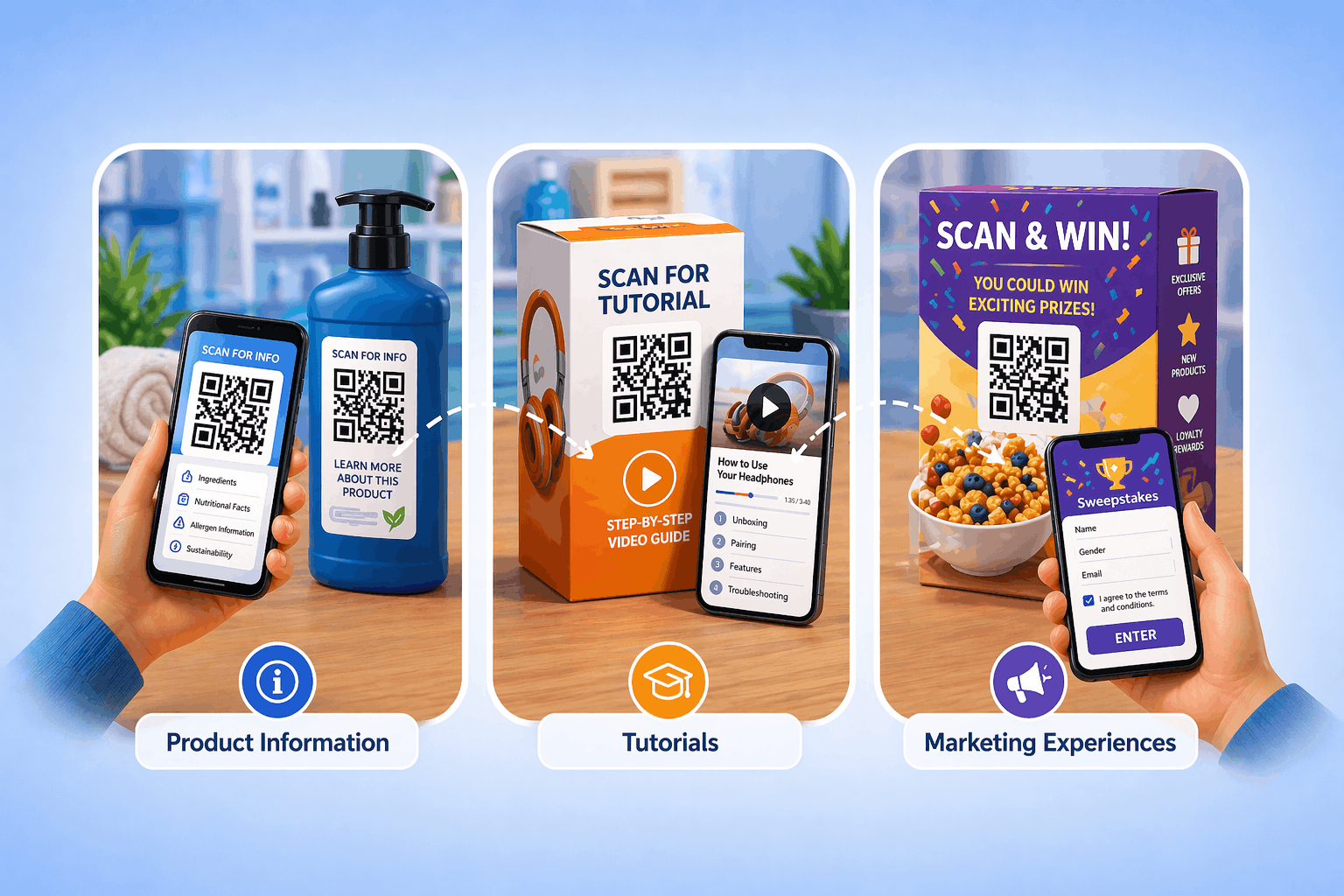
QR codes on product packaging help brands connect offline products with digital experiences, improving engagement, transparency, and tracking. Learn how to use and create them effectively.

Learn how to create a 2D barcode QR code to store product information, inventory details, and tracking data. Ideal for retail, inventory management, and product labelling.
Add your review link, customize your code, and share it anywhere — then switch platforms anytime and track every scan from your dashboard.